

70.02 MB
Android 8.0+
29
x86_64, arm64-v8a, armeabi-v7a, x86
Verified safeScanned with ClamAV, APKiD, and Quark-Engine. No threats detected.
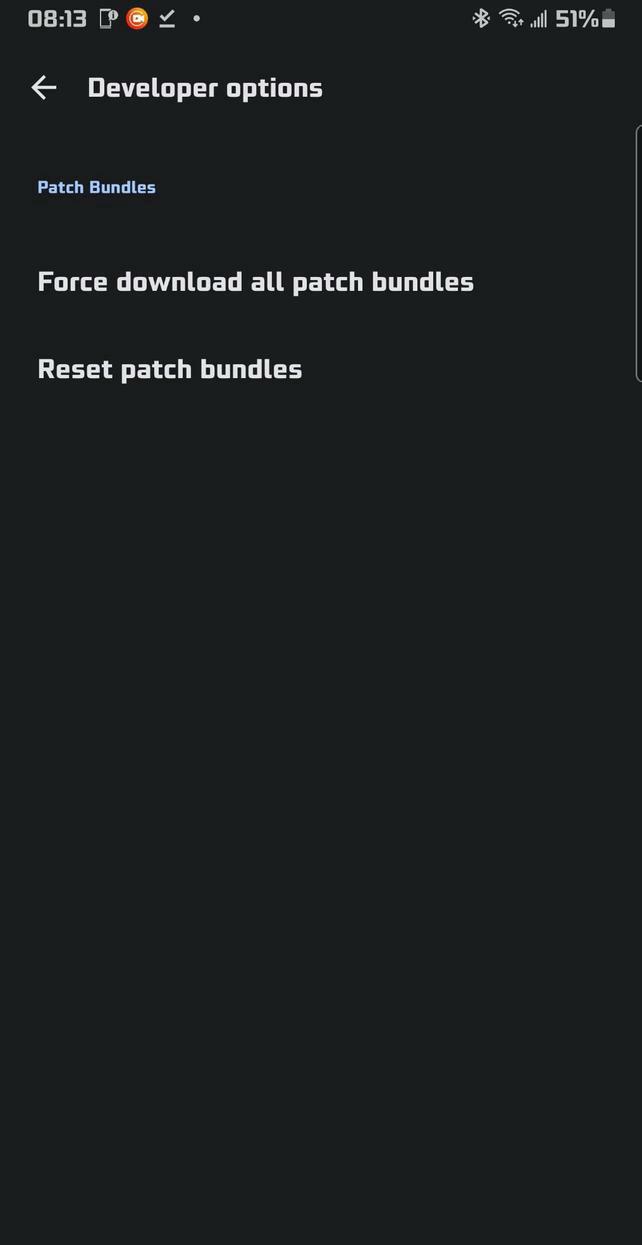
Screenshots
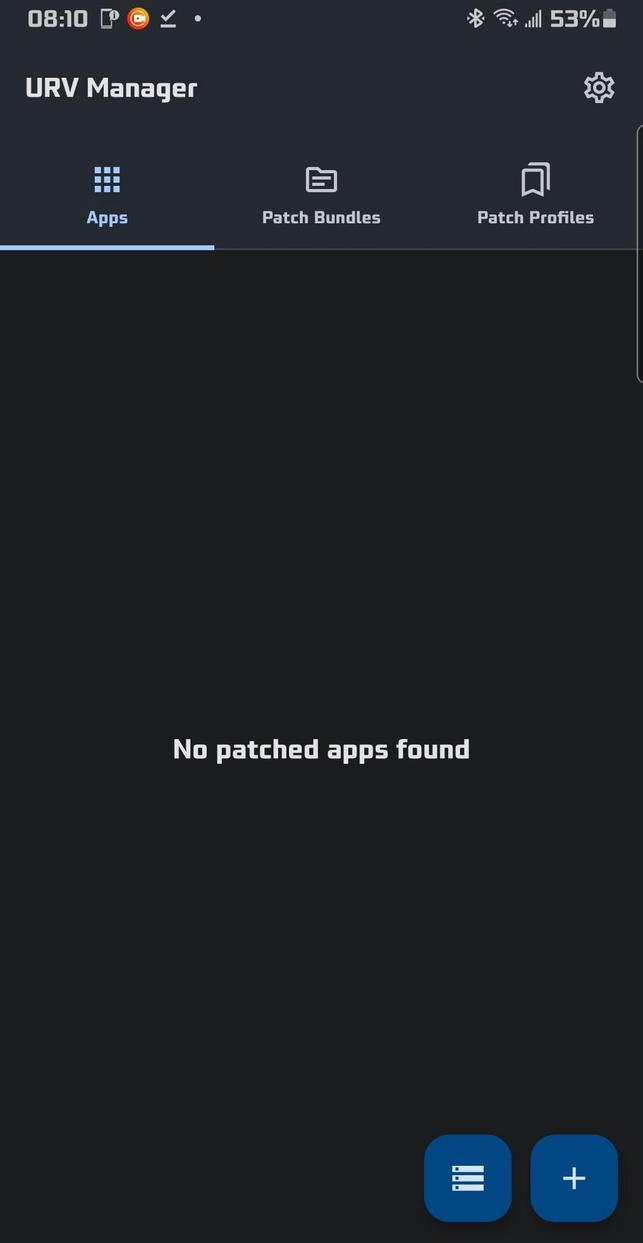
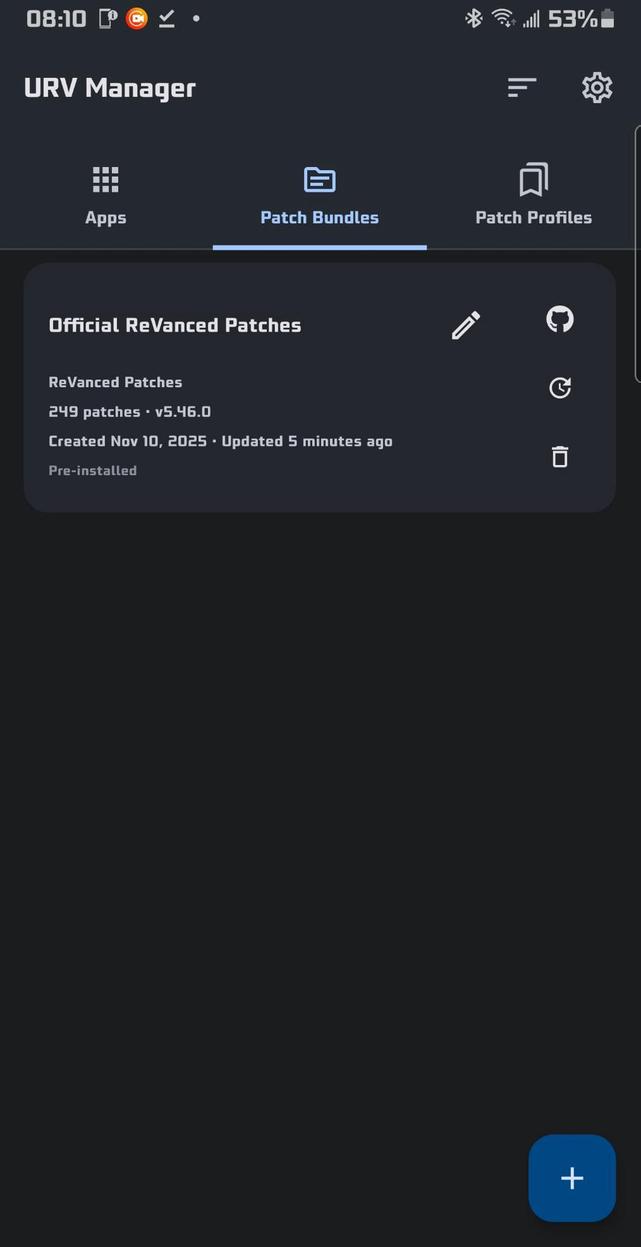
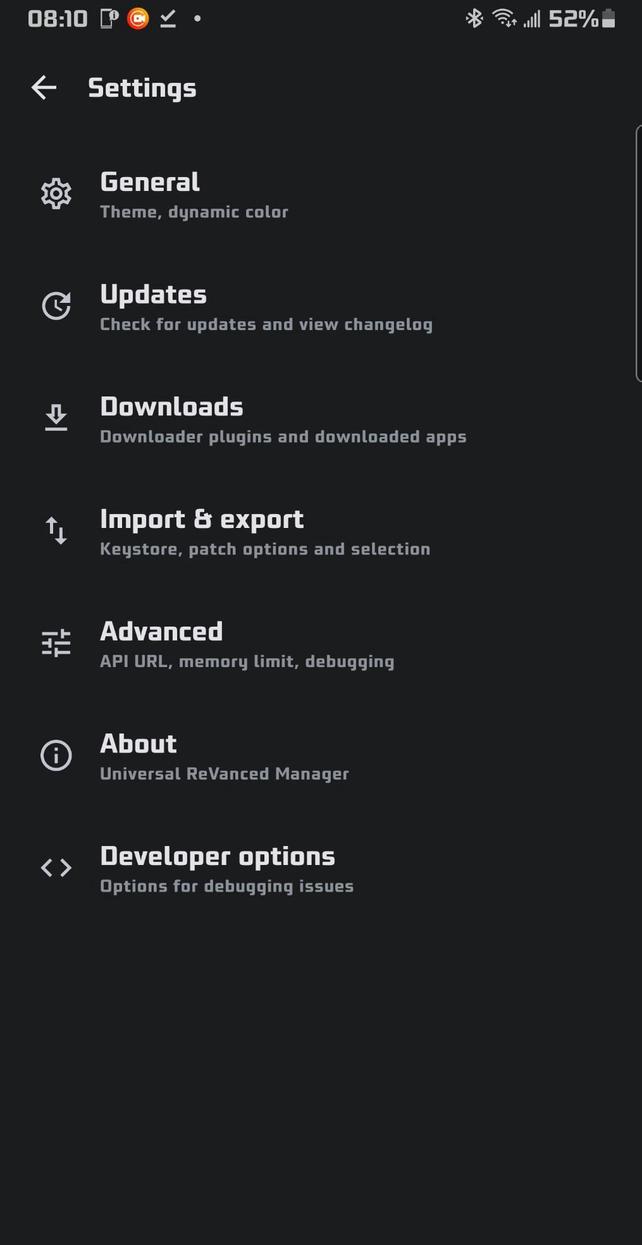
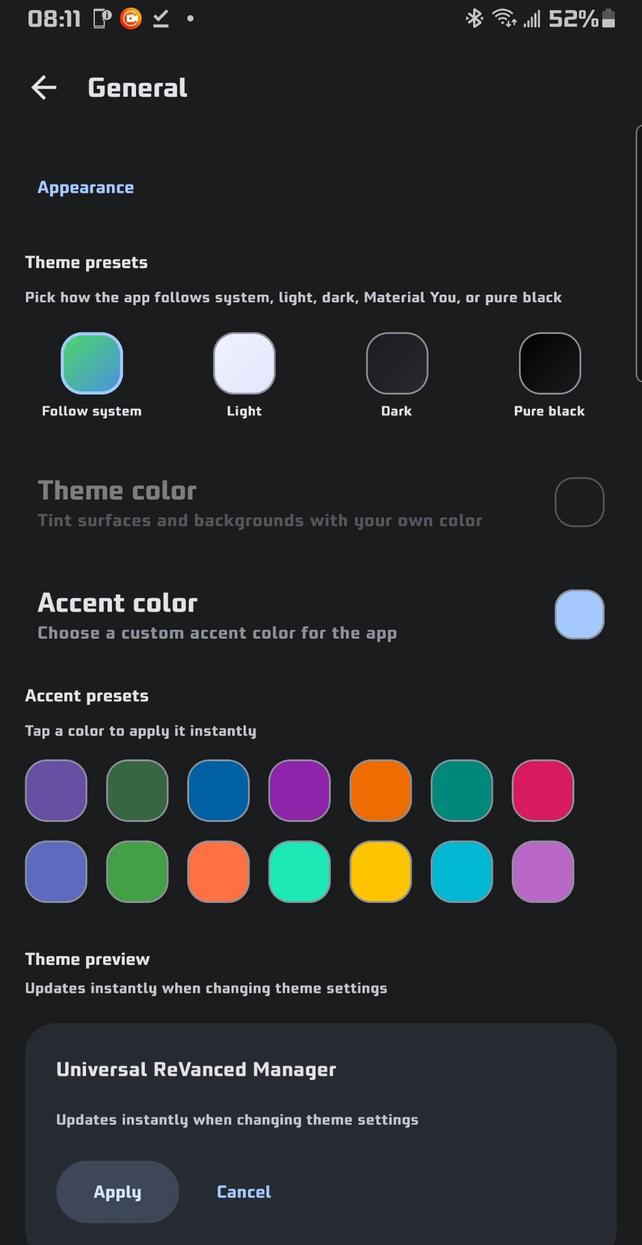
What's New
Features
Removed the MEDIUM build profile as it included the same runtimes as FULL
Improved the About screen layout and added version display copy behavior #399 #400
Updated English UI wording for merge tool titles, selected app counts, patch bundle empty-state text, and APK saved casing #396 #398 #293 #319
Updated patch/merge log copy messages, aligned delete/import wording, and made the merge log button follow patcher-style availability #404 #403 #405 #406
Added loading-aware dashboard app input gating so app selection actions stay disabled until patch bundles are ready, with a clearer inactive button state #402
Updated the LITE build type to only exclude the ReVanced v21 runtime, and only include the ReVanced v22 and Morphe patcher runtimes
Bug fixes
Renamed the split merge native-libraries filter to Exclude extra native libraries and fixed patch bundle update banner grammar for singular vs plural counts #363 #359
Improved installer settings consistency by adding blocked-installer notes, fixing PAT dialog link punctuation, fixed thw remaining issues with missing patch bundle update plural strings, and cleaning up installer wording/status labels #378 #375 #377 #395
Fixed rooted mount installs creating a second visible saved-app entry for the same patched app #279
Fixed inconsistent dialog button alignment so export, patcher, color picker, and related settings dialogs now place actions on the right like the rest of the app #376
Fixed local APK source handling so returning from the patcher preserves the selected file correctly
Fixed patching notification timing and cancellation behavior so it appears immediately and clears correctly on cancel/close #401 #409 #292
Fixed downloader plugin edge cases by improving failed-source recovery, accepting valid plugin results without a reported version, showing download progress for size-less plugins, and expanding the downloader import URL field correctly on larger screens
Fixed rooted mount installs creating an unused empty legacy directory under /data/adb/revanced/<package> for newly mounted apps #411
Description
Universal ReVanced Manager includes powerful features that the official ReVanced Manager does not:
🔄 Patch Bundles & Customization
💉 Third-Party Patch Support: Import any third-party API v4 patch bundle you want (including popular ones like inotia00's or anddea's), which the official ReVanced Manager does not support
🛠️ Custom Bundle Names: Set a custom display name for any imported patch bundle so you can tell them apart at a glance
🙂 Smarter Patch Selection:
Global deselect all button
Per-bundle deselect all button
Per-bundle select all button
Global select all button
Patch profiles button to save patch selections and option states per app
Latest patch bundle changelogs shown in bundle info
Undo & redo buttons
🧭 Bundle Recommendation Picker: Choose per-bundle suggested versions or override with any other supported version
🔍 Suggestion Toggle on Select-App: Bundle suggestions are grouped behind a toggle with inline dialogs to view additional supported versions
🧹 Official Bundle Management: Delete the Official ReVanced patch bundle from the Patch Bundles tab and restore it from Advanced settings
📝 Export Filename Templates: Configure a filename template for exported patched APKs with placeholders for app and patch metadata
🌐 Release Link Button: GitHub button on each bundle’s info page opens the bundle repository’s releases
🕒 Bundle Timestamps: Cards show Created and Updated times; exports and imports preserve these timestamps
🧭 Organize Bundles: "Organize" button to manually reorder bundles; exports and imports keep the custom order
management system covering app installs, saved app reinstalls, and manager updates
Metadata display for each installer
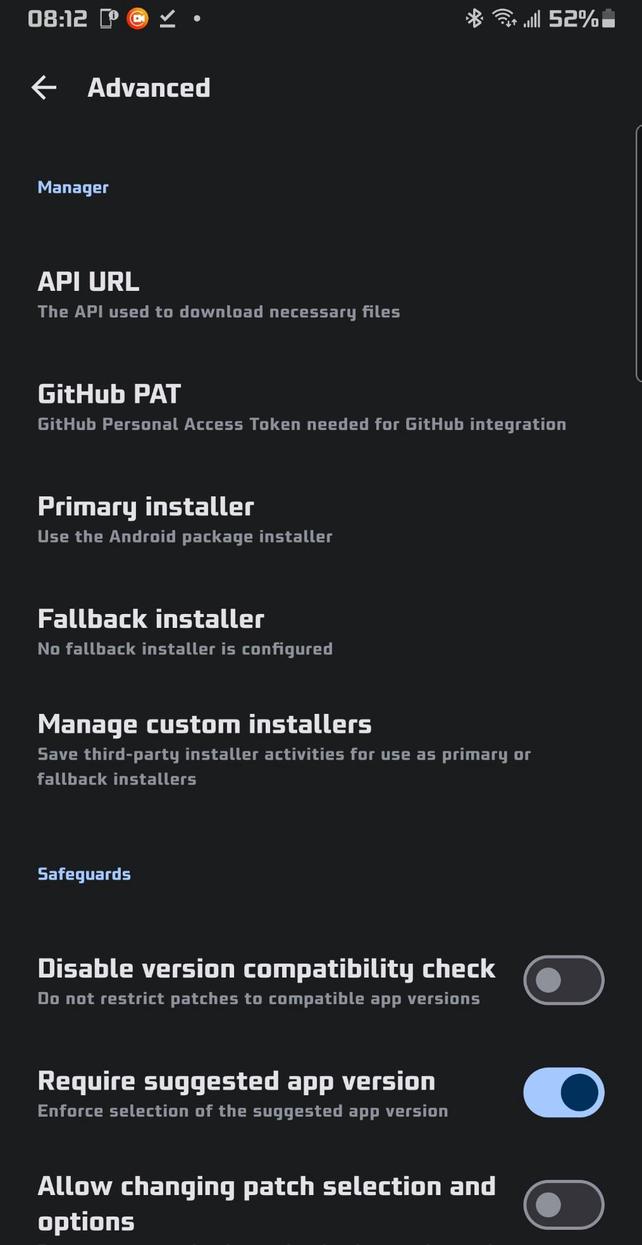
Configurable primary and fallback installers
Shizuku installer option for silent installs when Shizuku or Sui is available
Advanced settings support saving custom installer packages with package-name lookup and autocomplete, plus dedicated management for third-party installers
📥 Downloader & Storage Management
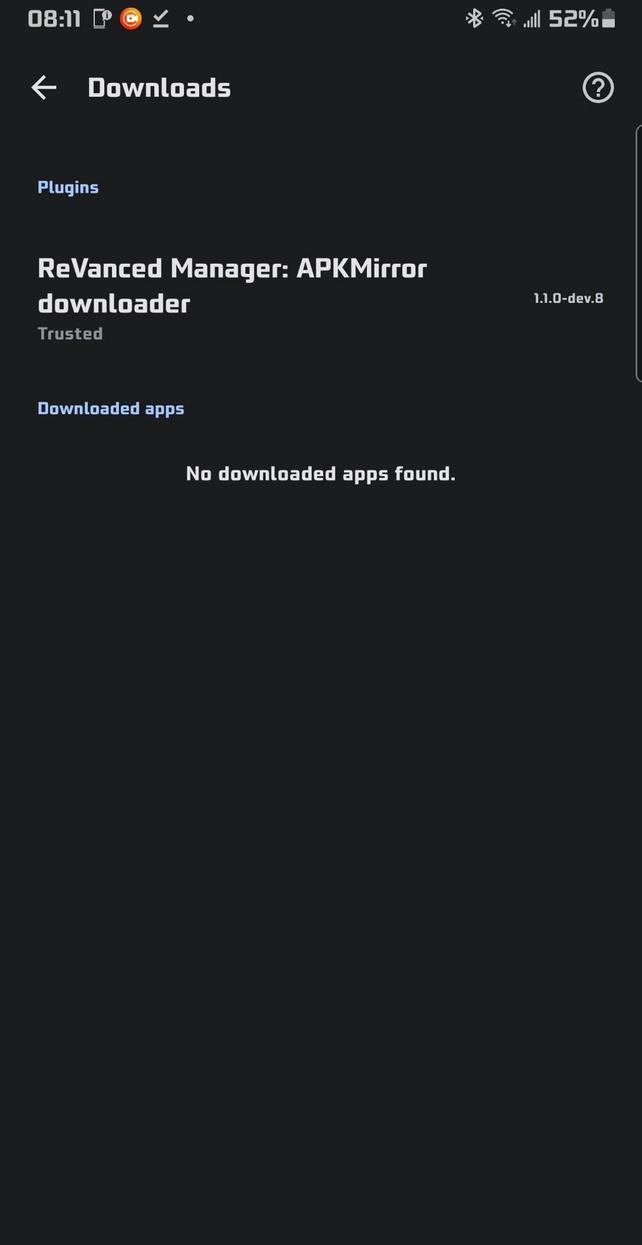
📂 Cached Downloads Management: The manager can now keep multiple downloaded apps (from downloader plugins) inside the downloader settings. You can also export any of these APKs to your device storage whenever you want
🧼 Plugin Cleanup: You can uninstall downloader plugins directly from inside the manager via the download settings page. No manual cleanup needed
🎨 Appearance & Theming
🎯 Enhanced Theming: Appearance settings include an accent color picker, theme color picker, color HEX code support, presets, and a live preview widget so you can choose a custom theme color and customize the app to your liking
⚫ Monochrome App Icons: Support for Android monochrome icons
↔️ Better Long Names: Long labels use horizontal swipe instead of auto-sliding or wrapping
🌐 Network & Updates
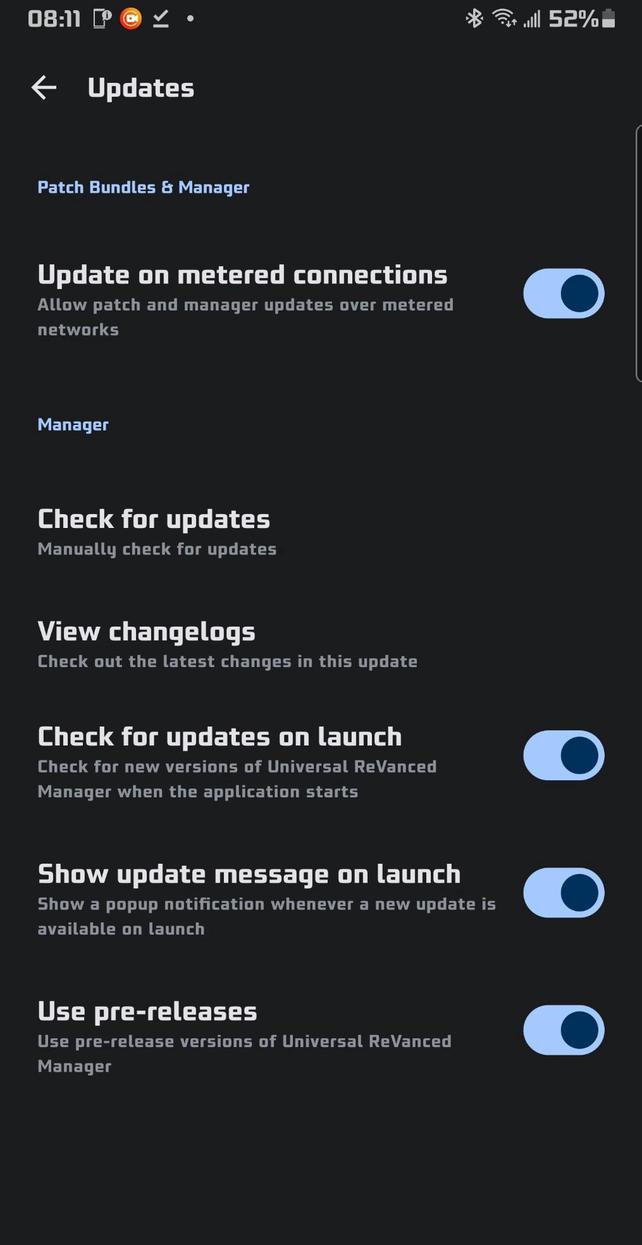
🛜 Metered Connection Control: Toggle to allow updates on metered connections for both patch bundles and the manager itself, so you are not blocked on mobile data
🧑💻 Developer & Power Features
🧑💻 Always-Visible Developer Options: Developer Options are always available in Settings by default. No hidden or secret unlock flow
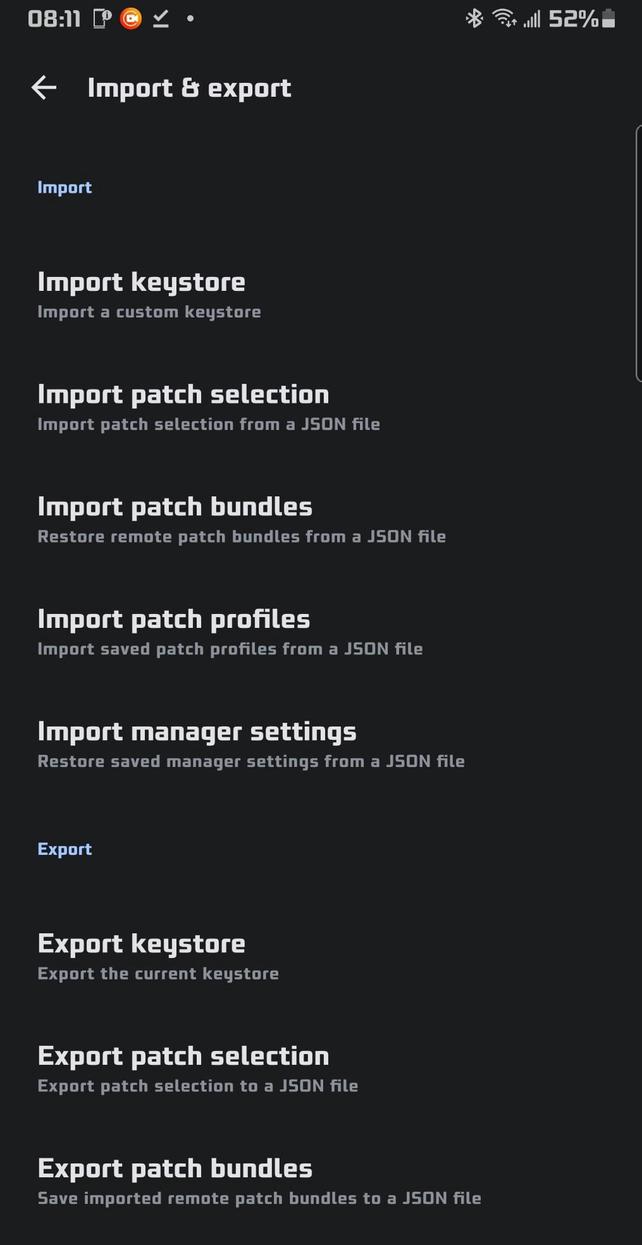
📤 Robust Import / Export: Export and import your patch bundles, your patch profiles, and your app settings to and from JSON files for easy backup, sharing, or migration between devices
🌍 Localization
(🇨🇳) Simplified Chinese: Simplified Chinese localization with a user-selectable language option in settings
(🇻🇳) Vietnamese: Vietnamese added as an additional app language option
Korean (🇰🇵 / 🇰🇷): User-selectable language option in settings
Japanese (🇯🇵): User-selectable language option in settings
Russian (🇷🇺): User-selectable language option in settings
Ukrainian (🇺🇦): User-selectable language option in settings
Rate this app
Ratings & reviews
No reviews yet.