

11.66 MB
Android 5.0+
43
Not scannedThis app hasn't been checked by our antivirus system yet.
Screenshots
What's New
- Added cloud syncing
- Fixed language sometimes not changing
- Added long press menu on fill/stroke/background buttons for copy/pasting the styles
- Exported projects now contain fonts
- Last export configuration is now remembered
- Added snap option for hidden objects
- Increased max zoom level
- Various bug fixes
Description
🔥 𝗚𝗿𝗮𝗳𝗶𝗸𝗮 𝗩𝗲𝗰𝘁𝗼𝗿 𝗗𝗿𝗮𝘄
♻️ 𝘃𝟰.𝟬.𝟭 (𝗣𝗿𝗼)
This app has no advertisements
- What's new:
- Added cloud syncing
- Fixed language sometimes not changing
- Added long press menu on fill/stroke/background buttons for copy/pasting the styles
- Exported projects now contain fonts
- Last export configuration is now remembered
- Added snap option for hidden objects
- Increased max zoom level
- Various bug fixes
- Mod Info:
● Paid / Pro Features Unlocked;
● Removed ads;
● Removed analytics;
● Cleaned all useless files;
● All Debug Codes Removed;
● Languages: Full Multi Languages;
● CPUs: arm64-v8a + armeabi-v7a;
Want to edit photos, create logos or make designs with ease ? You've found the perfect app for that. With easy to use editing tools you can add text to an image, make beautiful designs, create stunning graphics and much more with just couple of taps.
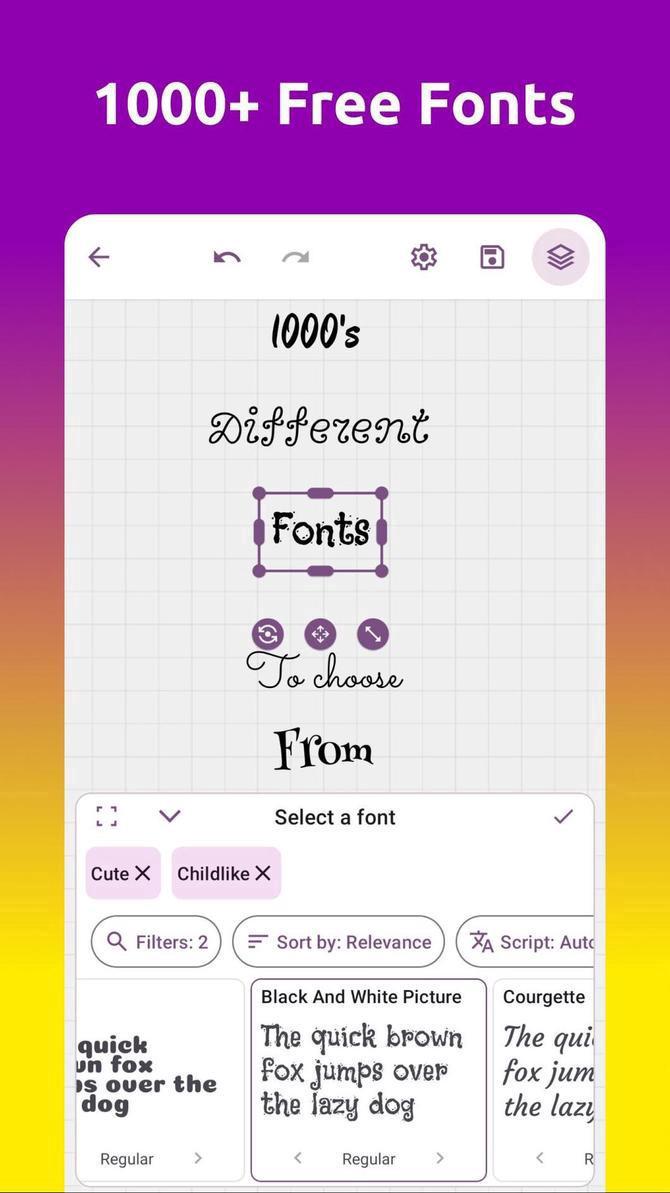
Create beautiful illustrations by using thousand plus available fonts, advanced yet simple to use powerful tools.
Create gradients and shadows with just a tap.
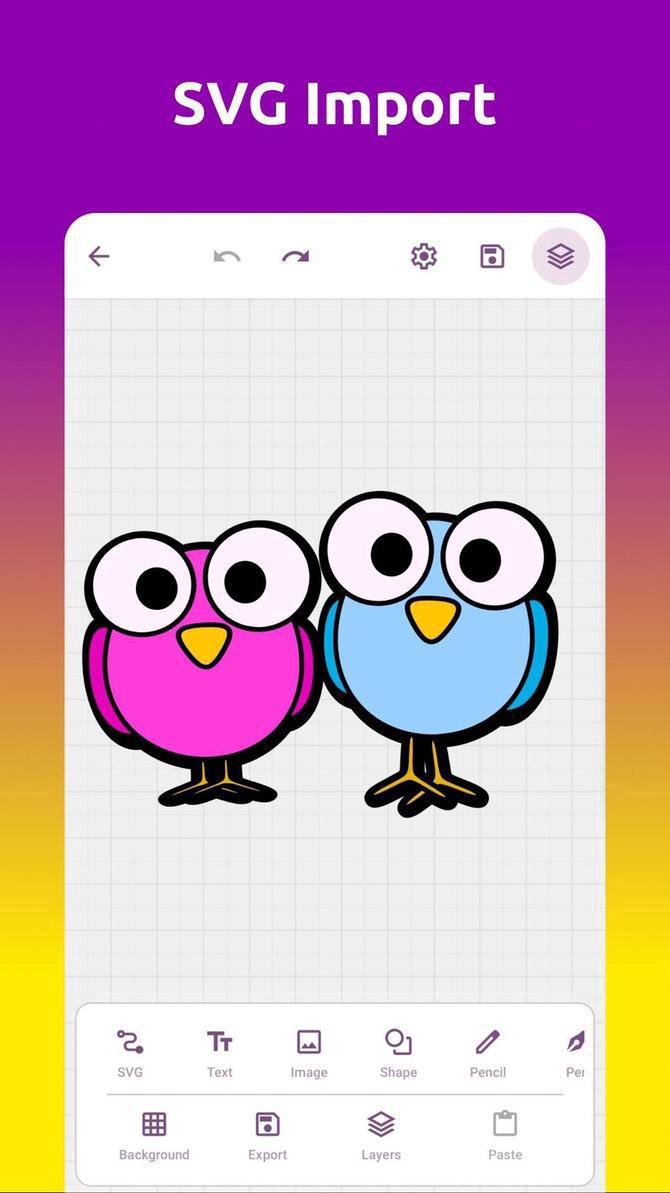
Import SVG files non-destructively.
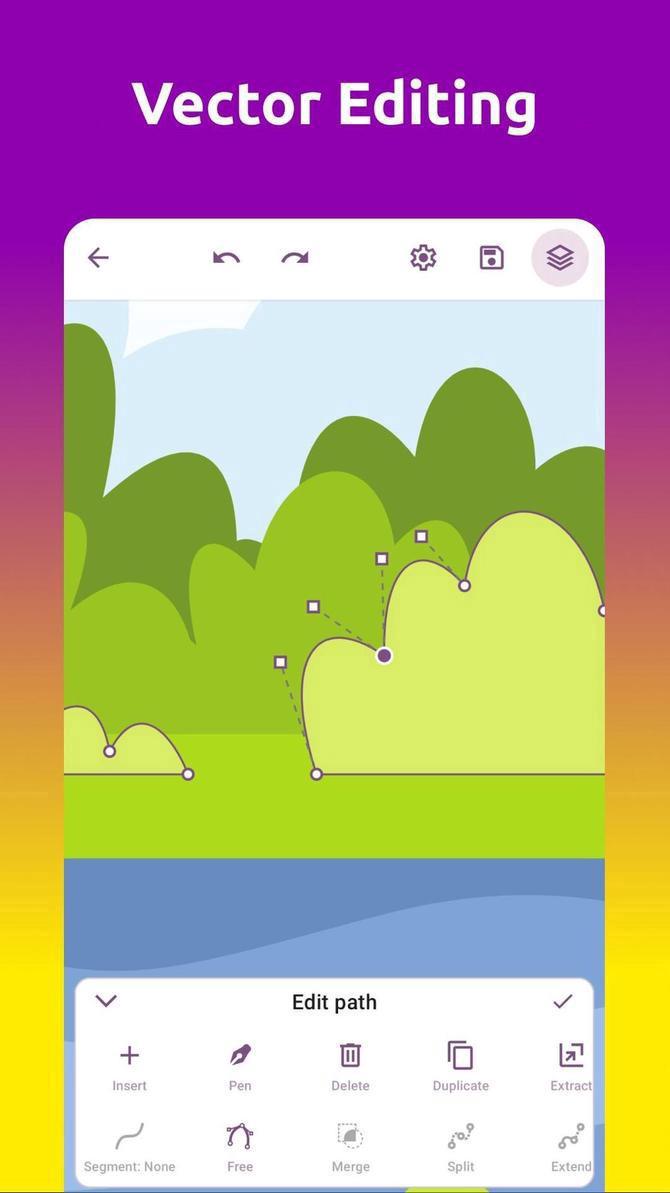
Edit SVG's with very easy to use vector editor tools.
Use one of many boolean operations for vector editing. Create vector images with pen tool, pencil tool, bezier curve editing tools and more.
Use the Shape Builder tool to create shapes with ease. Use add or remove modes to join the selected shapes into a new item or remove the selected ones.
Reorder objects in canvas using the layer tool. Add as many layers as you want. Group them together, move them around.
Create beautiful vector images using built-in primitive shapes: rectangle, ellipse, triangle, line and more.
Change blend modes with ease.
Add masks and cutouts to layers.
Import any image you want into the canvas. You can import SVG images and preserve their structure. Edit anything, then export as SVG.
Find the perfect color you were looking for by using 4 different color pickers.
Automatically saved projects, infinite history, infinite canvas and infinite layers. Desktop grade graphic design editor, photo editor and add text tool in your mobile.
And when you're finished editing, export your creative designs to PNG, SVG, JPEG or WEBP formats.
Rate this app
Ratings & reviews