

Size
74.9 MB
Android
8.0+
Downloads
7
Architecture
arm64-v8a, armeabi-v7a, x86, x86_64
Security Scan
Verified Safe
✓ Scanned with ClamAV, APKiD, and Quark-Engine
Screenshots
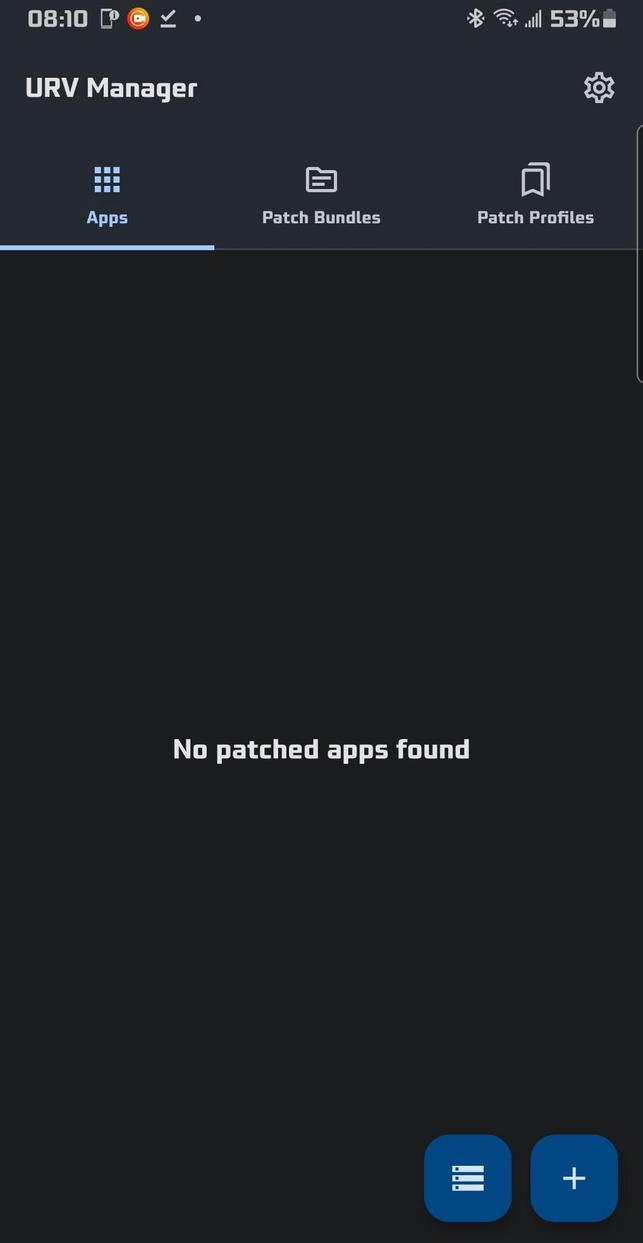
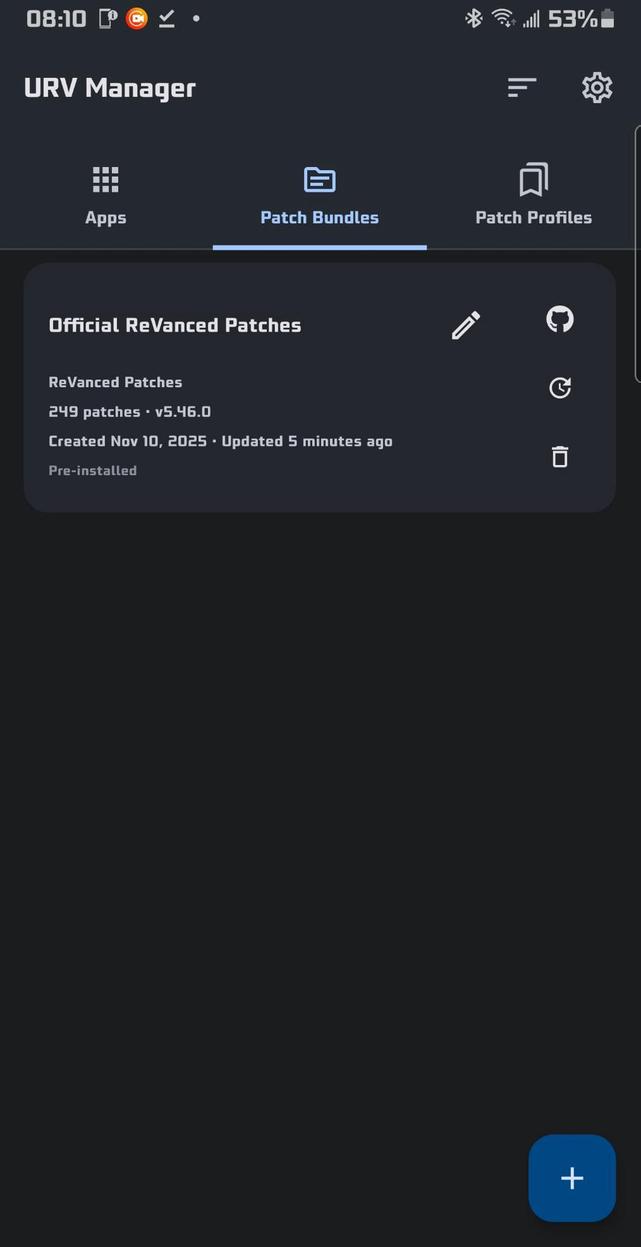
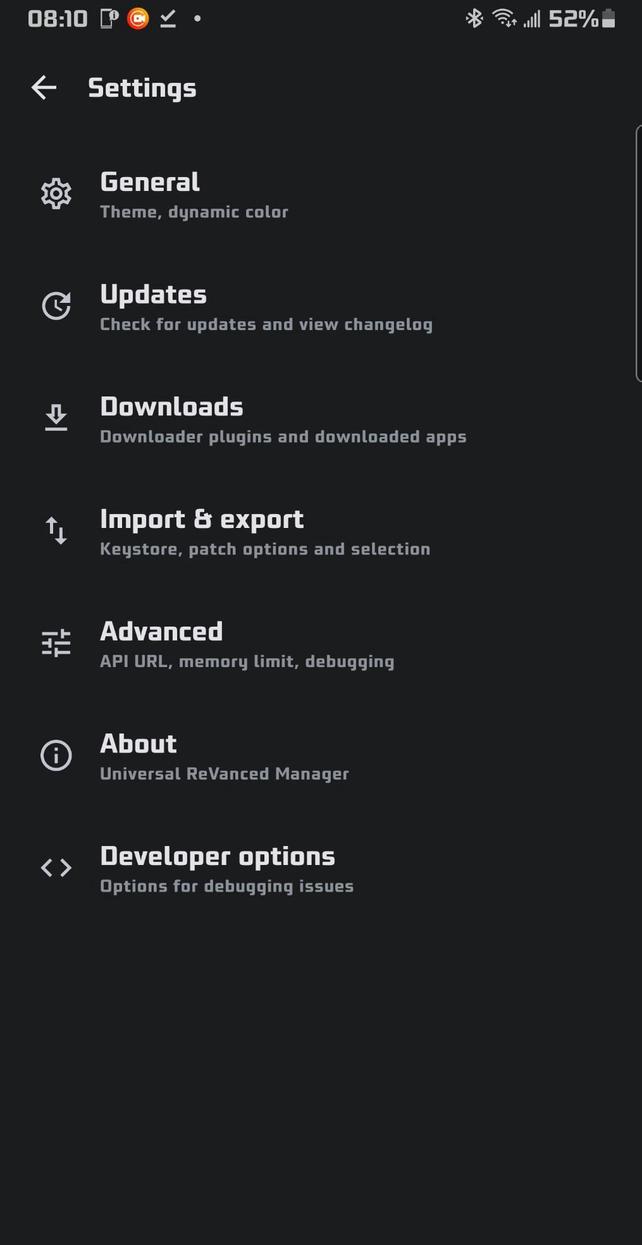
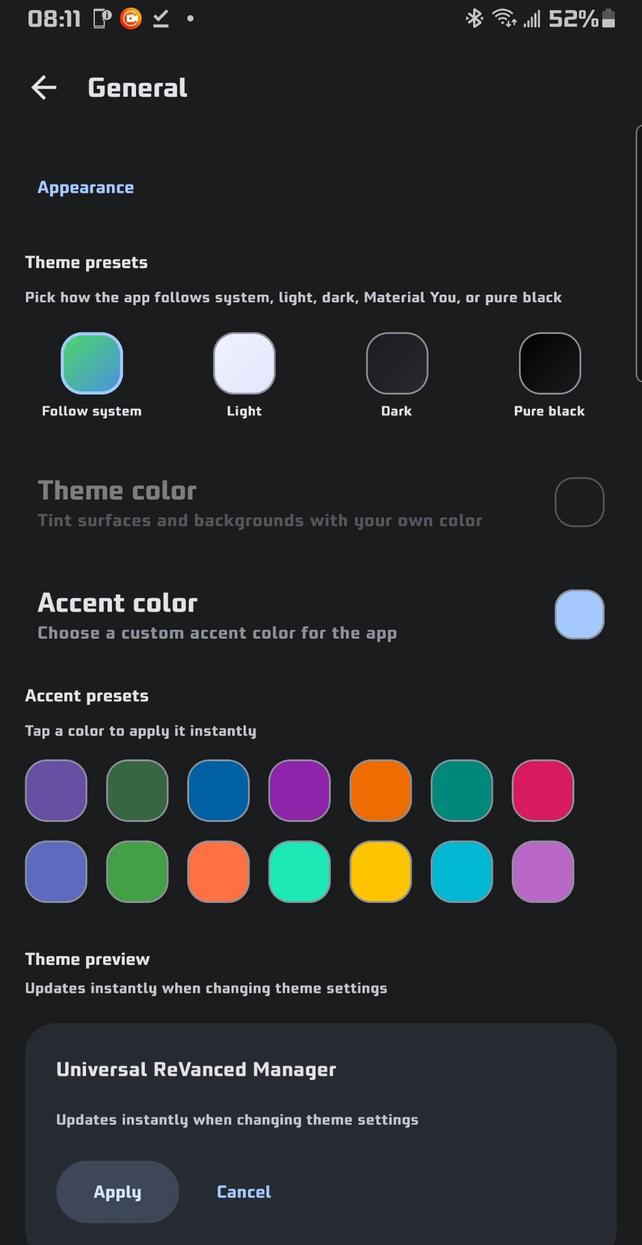
What's New
Features
Added a Latest filter and option in the three dot menu to the Patch bundle discovery
Updated the split-apk merger to use APKEditor instead of ARSCLib
Improved split-apk merger validation, normalization and cleanup
Made the two FAB buttons on the Patch bundles tab collapsible/expandable #146
Increased the pill text box size of the tab titles so devices with smaller screens won't have the text cut off #146
Centered patch profile & patch bundle widget action buttons #146
Updated the patch profile widget to use the same button type as the patch bundle widgets #146
Centered the patch action button menu and expanded the search bar properly on the patch selection screen for devices with larger screens #148
Bug fixes
Fixed the Patch bunblde discovery screen incorrectly displaying the shimmer effect on the loading elements
Fixed missing shimmer element when tapping refresh for the Keystore dagnostics panel
Fixed incorrect version listings on the patch selection screens patch widgets
Fixed the miscolored status bar on patch bundle information screens
Fixed issues with unicode characters causing resource compilation errors for certain apps #144
Fixed the ReVanced patcher runtime using the incorrect Aapt2 binary occasionally
Fixed brut.androlib.exceptions.CantFindFrameworkResException patching errors
Fixed issues with keystores from older versions of URV not being able to be imported into the newer versions of URV without signing errors #147
Fixed false OOM errors with patching on lower end devices (needs testing) #142
Description
Universal ReVanced Manager includes powerful features that the official ReVanced Manager does not:
🔄 Patch Bundles & Customization
💉 Third-Party Patch Support: Import any third-party API v4 patch bundle you want (including popular ones like inotia00's or anddea's), which the official ReVanced Manager does not support
🛠️ Custom Bundle Names: Set a custom display name for any imported patch bundle so you can tell them apart at a glance
🙂 Smarter Patch Selection:
Global deselect all button
Per-bundle deselect all button
Per-bundle select all button
Global select all button
Patch profiles button to save patch selections and option states per app
Latest patch bundle changelogs shown in bundle info
Undo & redo buttons
🧭 Bundle Recommendation Picker: Choose per-bundle suggested versions or override with any other supported version
🔍 Suggestion Toggle on Select-App: Bundle suggestions are grouped behind a toggle with inline dialogs to view additional supported versions
🧹 Official Bundle Management: Delete the Official ReVanced patch bundle from the Patch Bundles tab and restore it from Advanced settings
📝 Export Filename Templates: Configure a filename template for exported patched APKs with placeholders for app and patch metadata
🌐 Release Link Button: GitHub button on each bundle’s info page opens the bundle repository’s releases
🕒 Bundle Timestamps: Cards show Created and Updated times; exports and imports preserve these timestamps
🧭 Organize Bundles: "Organize" button to manually reorder bundles; exports and imports keep the custom order
management system covering app installs, saved app reinstalls, and manager updates
Metadata display for each installer
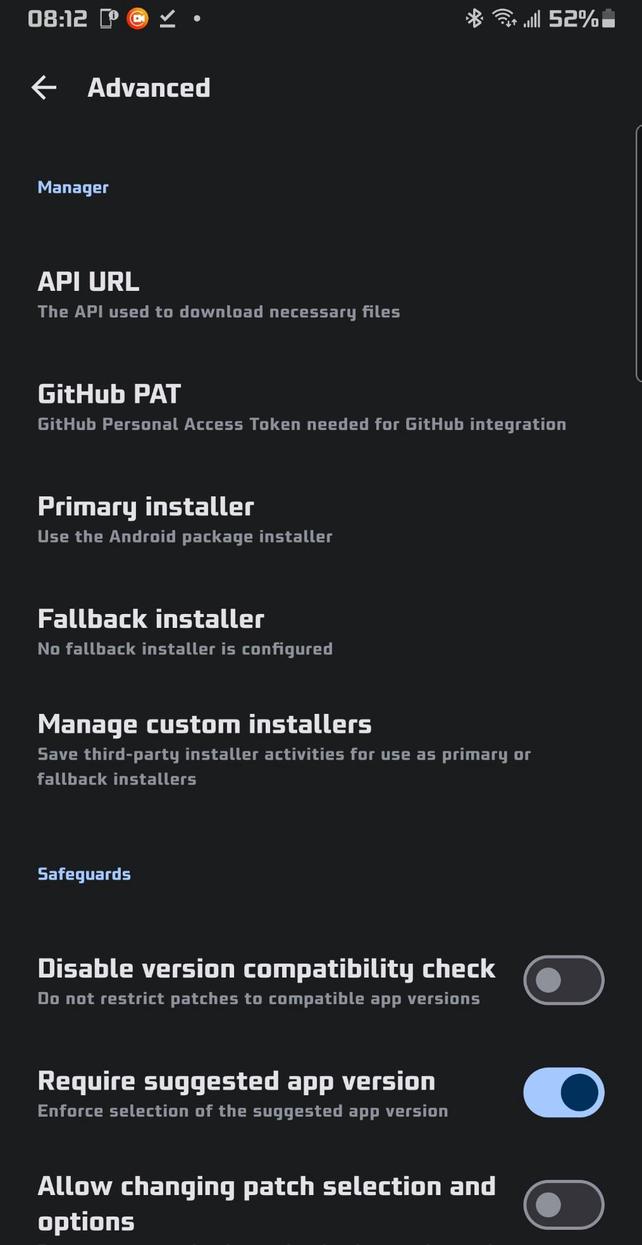
Configurable primary and fallback installers
Shizuku installer option for silent installs when Shizuku or Sui is available
Advanced settings support saving custom installer packages with package-name lookup and autocomplete, plus dedicated management for third-party installers
📥 Downloader & Storage Management
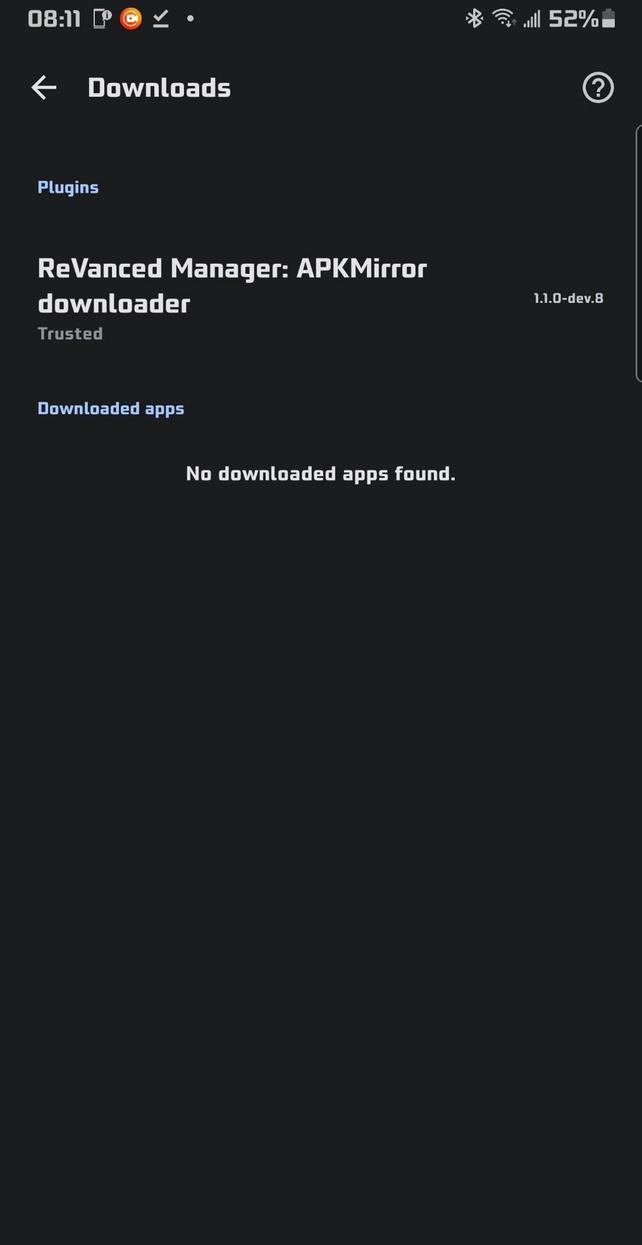
📂 Cached Downloads Management: The manager can now keep multiple downloaded apps (from downloader plugins) inside the downloader settings. You can also export any of these APKs to your device storage whenever you want
🧼 Plugin Cleanup: You can uninstall downloader plugins directly from inside the manager via the download settings page. No manual cleanup needed
🎨 Appearance & Theming
🎯 Enhanced Theming: Appearance settings include an accent color picker, theme color picker, color HEX code support, presets, and a live preview widget so you can choose a custom theme color and customize the app to your liking
⚫ Monochrome App Icons: Support for Android monochrome icons
↔️ Better Long Names: Long labels use horizontal swipe instead of auto-sliding or wrapping
🌐 Network & Updates
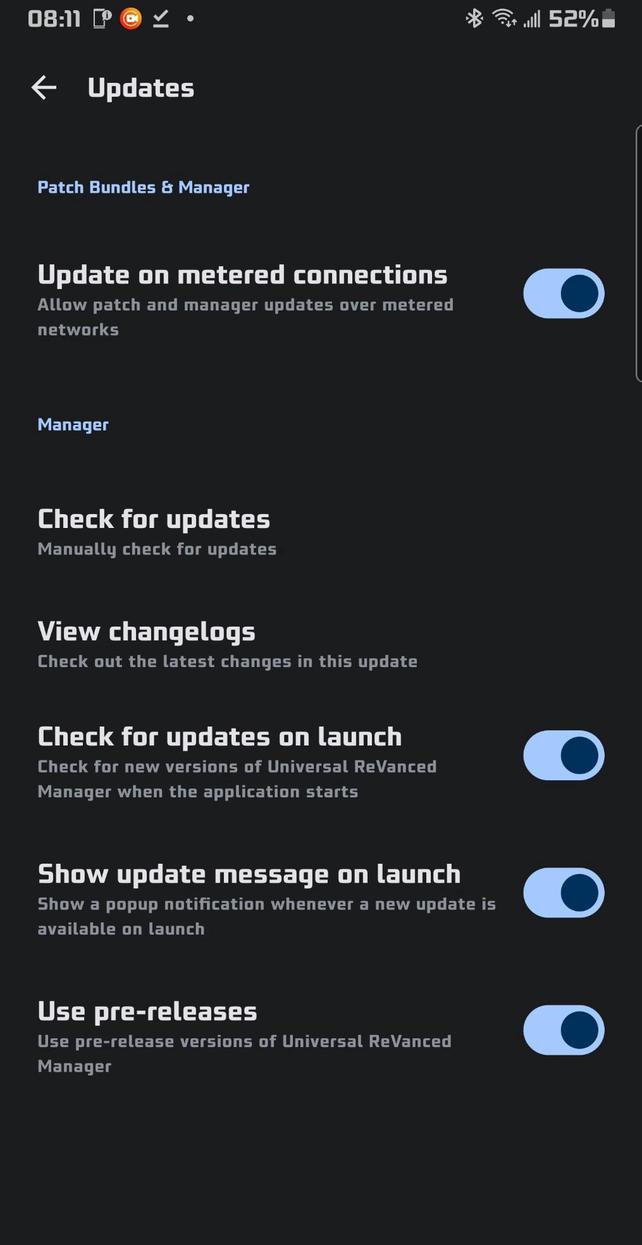
🛜 Metered Connection Control: Toggle to allow updates on metered connections for both patch bundles and the manager itself, so you are not blocked on mobile data
🧑💻 Developer & Power Features
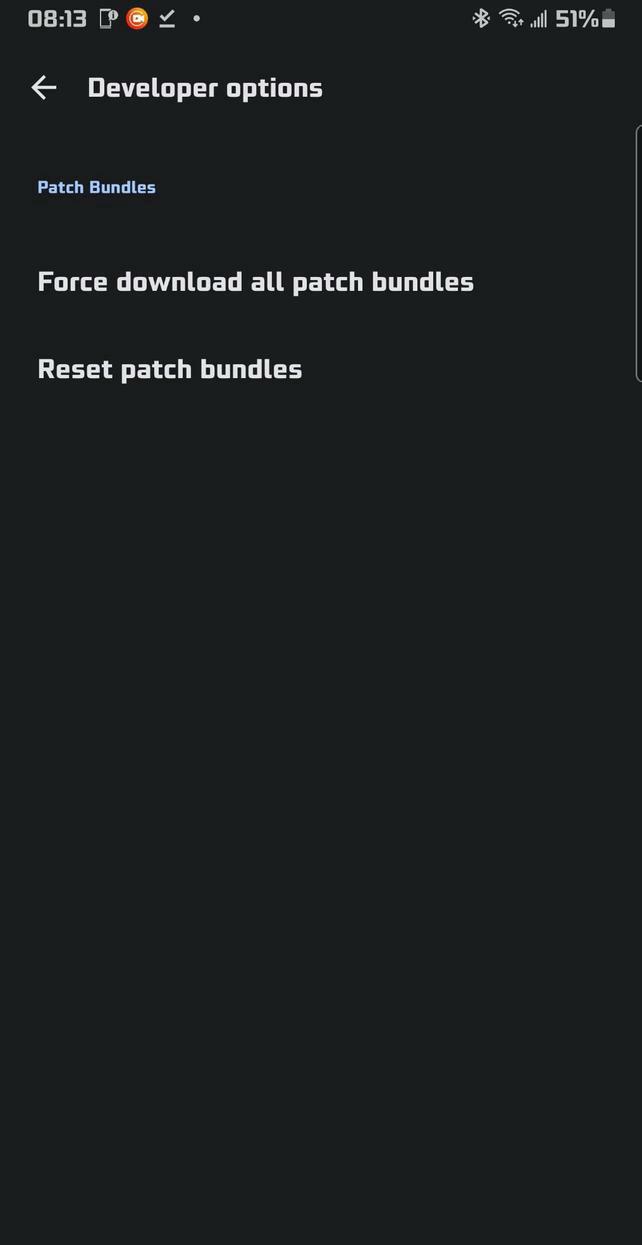
🧑💻 Always-Visible Developer Options: Developer Options are always available in Settings by default. No hidden or secret unlock flow
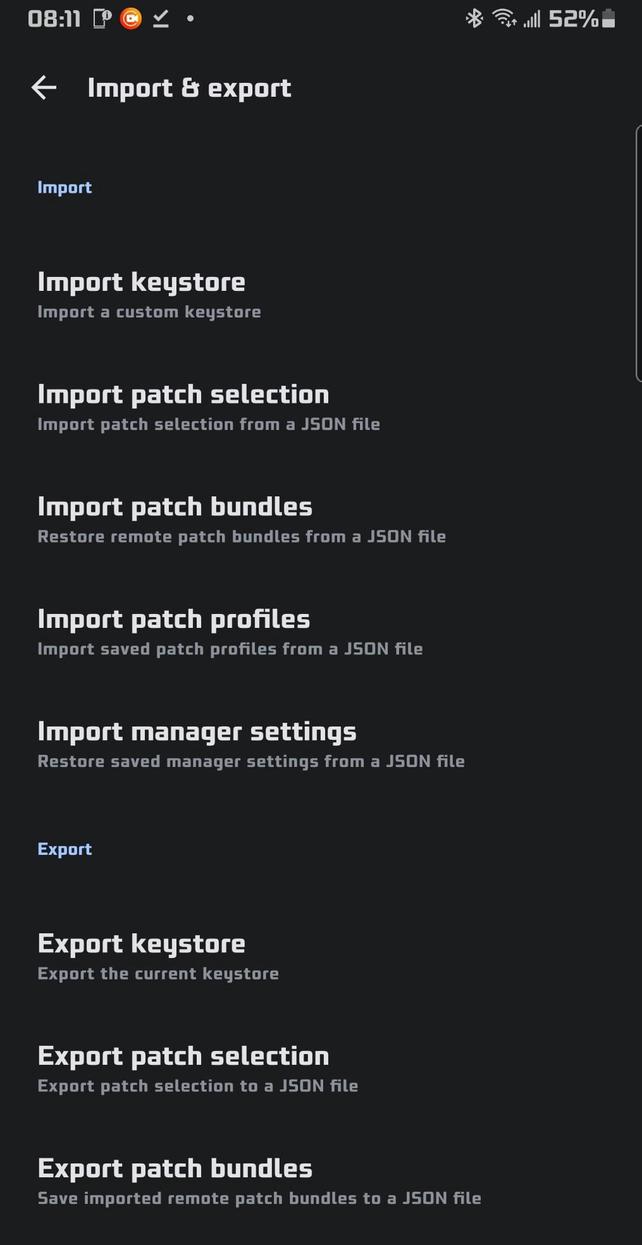
📤 Robust Import / Export: Export and import your patch bundles, your patch profiles, and your app settings to and from JSON files for easy backup, sharing, or migration between devices
🌍 Localization
(🇨🇳) Simplified Chinese: Simplified Chinese localization with a user-selectable language option in settings
(🇻🇳) Vietnamese: Vietnamese added as an additional app language option
Korean (🇰🇵 / 🇰🇷): User-selectable language option in settings
Japanese (🇯🇵): User-selectable language option in settings
Russian (🇷🇺): User-selectable language option in settings
Ukrainian (🇺🇦): User-selectable language option in settings
Rate this app
Ratings & Reviews
No reviews yet.