

125.94 MB
Android 5.0+
114
Not scannedThis app hasn't been checked by our antivirus system yet.
Screenshots
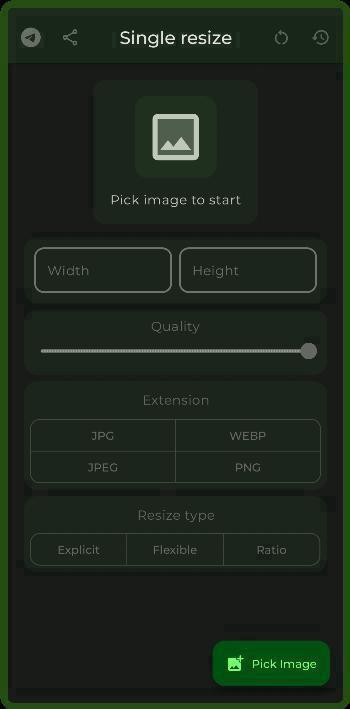
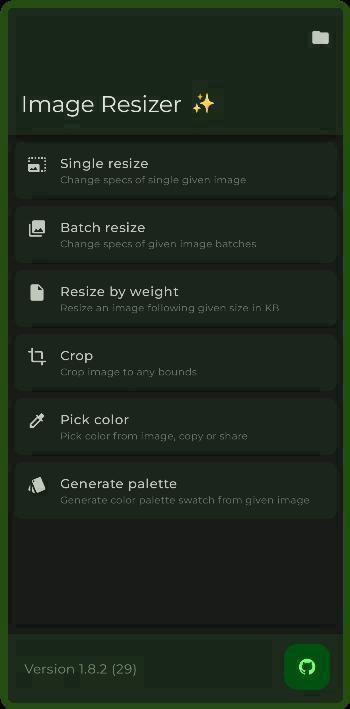
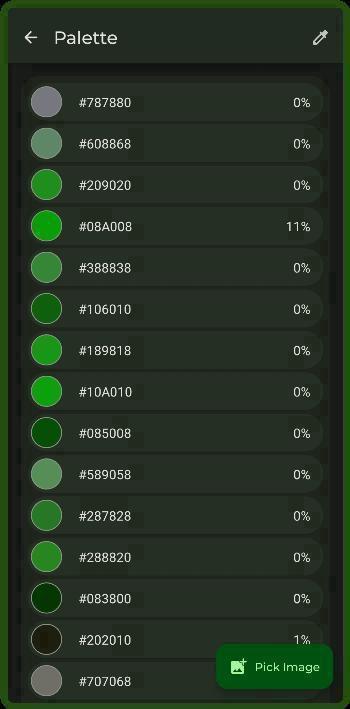
What's New
What's Changed
Map JXL effort from 1..10 instead of 0..9 by #1274
Added ability to enable link previews in OCR and QR Code Scanner
Added zoom to QR Scanner
Added scanning from image by #1282
Fix Watermark Text sizing doesn't match preview by #1276
Improve quick tiles
Translations update
Full Changelog: https://github.com/T8RIN/ImageToolbox/compare/2.9.1-beta01...2.9.1-rc01
Description
🖼️ Image Toolbox is an powerful picture editor, which can crop, apply filters, add some drawing, erase background, edit EXIF or even create PDF file.
✨ Features
Batch processing
Applying filter chains (More than 220 various filters)
Available filters
Custom Filters Creation by Template filters
You can create filter from any filter chain
Share created filters by QR code
Scan filters from the app to get them on your device
AES-256 GCM No Padding files encryption and decryption
Extract Text From Images
120+ languages
3 Type of data: Fast, Standard, Best
Segmentation Mode Selection
Multiple languages at the same time
EXIF metadata editing/deleting
Loading images from internet
Image Stitching
Image Stacking
Image Splitting
Background Removal
By drawing
Automatically
Watermarking
By Text
By Image
Drawing on Image/Background
Pen
Neon
Highlighter
Privacy Blur
Pixelation Paint
Text
Image Brush
Filter Brush
Pointing Arrow
Line
Double Pointing Arrow
Line Pointing Arrow
Double Line Pointing Arrow
Outlined Rect
Outlined Oval
Outlined Triangle
Outlined Polygon
Outlined Star
Rect
Oval
Triangle
Polygon
Star
Lasso
Image Resizing
Width changing
Height changing
Adaptive resize
Resize retaining aspect ratio
Resize by given limits
Center Crop with
Background color changing
Background blur drawing
Different Scaling Algorithms
Bilinear
Nearest Neighbour
Cubic
Mitchell-Netravalli
Catmull-Rom
Hermite
B-Spline
Hann
Bicubic
Hamming
Hanning
Blackman
Welch
Quadric
Gaussian
Sphinx
Bartlett
Robidoux
Robidoux Sharp
Spline 16
Spline 36
Spline 64
Kaiser
Bartlett-Hann
Box
Bohman
Lanczos 2
Lanczos 3
Lanczos 4
Lanczos 2 Jinc
Lanczos 3 Jinc
Lanczos 4 Jinc
Ewa Hanning
Ewa Robidoux
Ewa Blackman
Ewa Quadric
Ewa Robidoux Sharp
Ewa Lanczos 3 Jinc
Ginseng
Ginseng EWA
Lanczos Sharp EWA
Lanczos 4 Sharpest EWA
Lanczos Soft EWA
Haasn Soft
Lagrange 2
Lagrange 3
Lanczos 6
Lanczos 6 Jinc
Different Scale Color Spaces
Linear
sRGB
LAB
LUV
Sigmoidal
XYZ
F32 Gamma 2.2
F32 Gamma 2.8
F32 Rec.709
F32 sRGB
LCH
Oklab sRGB
Oklab Rec.709
Oklab Gamma 2.2
Oklab Gamma 2.8
Jzazbz sRGB
Jzazbz Rec.709
Jzazbz Gamma 2.2
Jzazbz Gamma 2.8
GIF conversion
GIF to images
Images to GIF
GIF to WEBP
WEBP conversion
WEBP to images
Images to WEBP
APNG conversion
APNG to images
Images to APNG
JXL transcoding
JXL to JPEG
JPEG to JXL
Animated JXL conversion
Images to JXL
JXL to Images
APNG to JXL
GIF to JXL
PDF tools
PDF to images
Images to PDF
PDF previewing
Document Scanning
QR Codes
Scanning
Creating
Sharing as images
Image Shrinking
Quality compressing
Preset shrinking
Reducing size by given weight (in KB)
Cropping
Regular crop
Crop by aspect ratio
Crop with shape mask
Rounded Corners
Cut Corners
Oval
Squircle
Octagon
Rounded Pentagon
Clover
Material Star
Kotlin Logo
Small Material Star
Heart
Enhanced Heart
Star
Image Mask
Tracing raster images to SVG
Format Conversion
HEIF
HEIC
AVIF
WEBP
JPEG
JPG
PNG Lossless
PNG Lossy
MozJpeg
Jpegli
JXL
JP2
J2K
TIFF
TIF
QOI
ICO
SVG, DNG, PSD, GIF to static raster images
Telegram sticker PNG format
Files to Zip
Comparing images
Slide
Toggle Tap
Transparency
Side By Side
Color Utils
Palette generation
Material You Scheme
Simple Colors
Picking color from image
Gradient creation
Overlaying image with gradient
Image source selection
Added Color Tools option
Mixing
Conversion
Harmonies
Shading
Additional Features
Rotating
Flipping
Previewing SVG, DNG, PSD and almost all types of images
Saving to any specific folder
Long press on save to choose one time output folder
Randomizing output filename
Embedded media picker
And More!
🌟 UI tweaks
Selecting Emoji for top app bar
Ability to use Pixel like switch instead of Material You
Secure Mode for app
Maximum brightness for selected screens
In app language changing
Enabling or Disabling confetti
Custom app color scheme
Different palette styles
Predefined schemes
Color inversion
Contrast adjusting
Controlling borders thickness
Enabling and disabling each existing shadow
Haptics controls
Light/Dark mode
AMOLED mode
Monet implementation (Dynamic colors) even for Android versions less than 12 by Dynamic Theme
Image based color scheme
Icons Background shape selection
Rounded Corners
Cut Corners
Oval
Squircle
Octagon
Rounded Pentagon
Clover
Material Star
Small Material Star
Heart
Enhanced Heart
Custom fonts
Montserrat
Comfortaa
Caveat
Handjet
Jura
Podkova
Tektur
YsabeauSC
DejaVu
BadScript
RuslanDisplay
Catterdale
FRM32
Tokeely Brookings
Nunito
Nothing
WOPR Tweaked
Alegreya Sans
Minecraft Gnu
Granite Fixed
Nokia Pixel
Ztivalia
Axotrel
Lcd Octagon
Lcd Moving
Unisource
In app font scale changing
Changing between options list and grouped view
Confetti Type selection
Default
Festive
Explode
Rain
Side
Corners
ImageToolbox
Switch Type selection:
Material You
Compose
Pixel
Fluent
Cupertino
(Yes, the app supports dynamic coloring based on wallpapers for every android version)
Rate this app
Ratings & reviews
No reviews yet.