
Size
5.56 MB
Android
6.0+
Downloads
214
Security Scan
Verified Safe
✓ Scanned with ClamAV, APKiD, and Quark-Engine
Screenshots
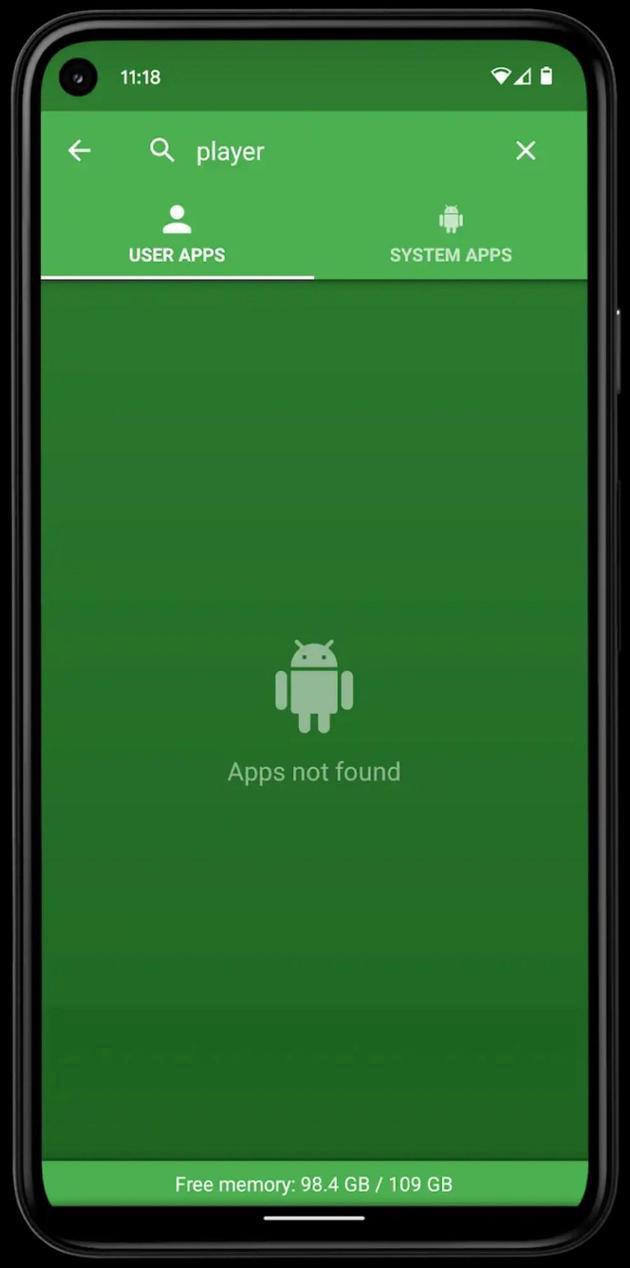
What's New
⚙️ MOD INFO :
● Pairip Protection Removed / Disabled.
● Ad Free Version Unlock.
● Black & Dark Shadow Theme Applied.
● App Rate Removed / Disabled.
● Ads Related Activity & Code Removed / Disabled.
● Ads Related Layouts Visibility Gone.
● Analytics / Crashlytics Removed / Disabled.
● Receivers, Services And Provider Removed / Disabled.
● Google Play Store Install Package Check Disable.
● In-App Billing Service Removed / Disabled.
● Play Services, Transport, Firebase Properties Removed.
● All Unnecessary Garbage Folder & File Removed.
● Duplicate Dpi Item Remove Like:
- Bar Length, Drawable Size, Gap Between Bars.
● Splits0 File Removed (Resources & AndroidManifest).
● Splits0 Releated Unnecessary Meta-Data Remove Like:
- Stamp Source, Stamp Type Standalone Apk, Android Vending Splits, Android Vending Derived Apk.
● Removed Annotation Code.
● Removed Debug Information (Source, Line, Param, Prologue, Local).
● Mod Apk Size 5.61 Mb.
This app has no advertisements
MOD Credits to @TryRoom
Description
Uninstaller v2.38 [MOD]
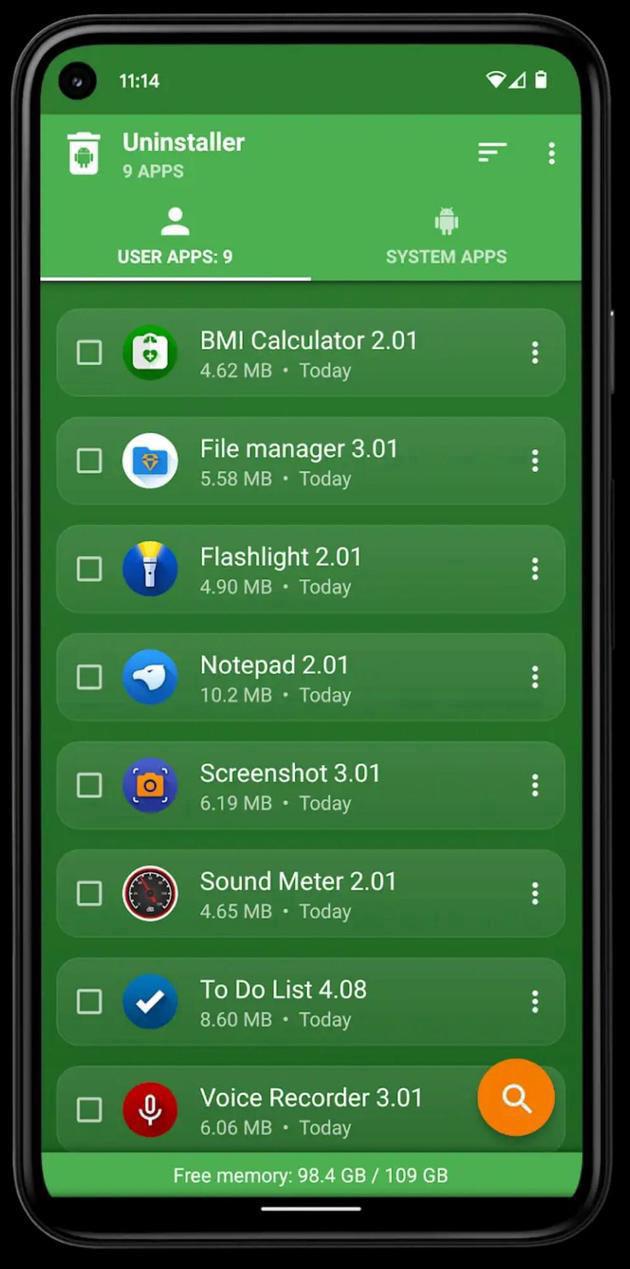
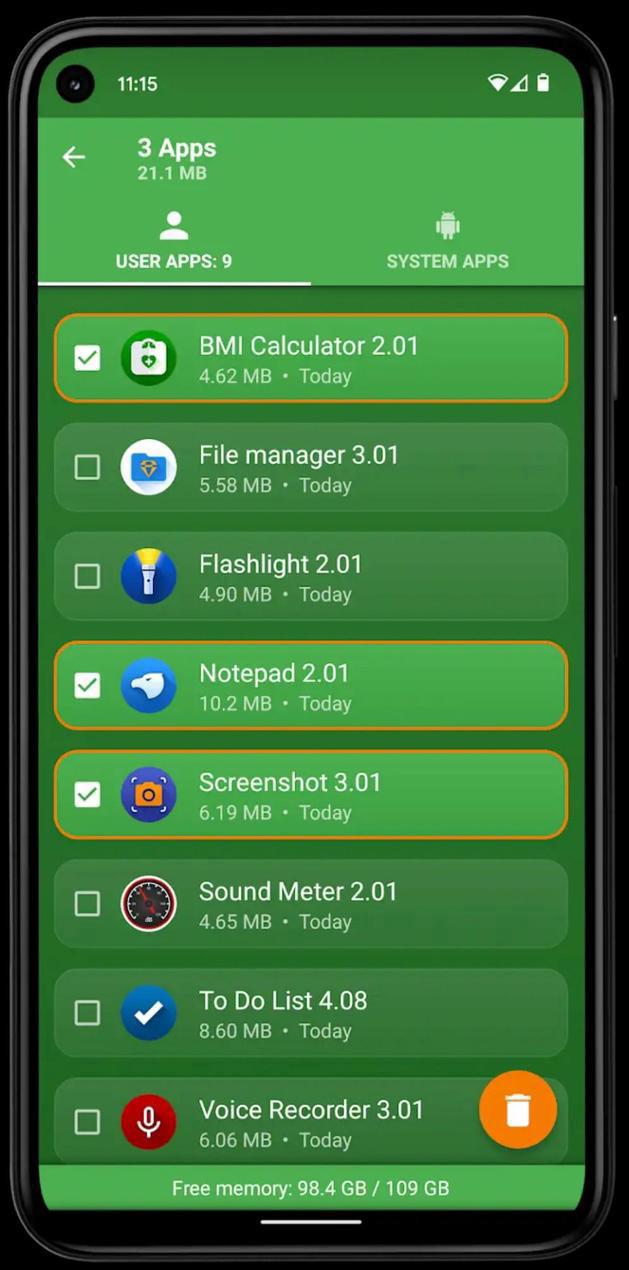
You can delete multiple applications in one go and see more details about each of them.
Manage your apps and save memory space on your phone or tablet.
It's a good habit (from time to time) to delete unused apps that occupy storage and consume other resources (battery and RAM memory).
Features:
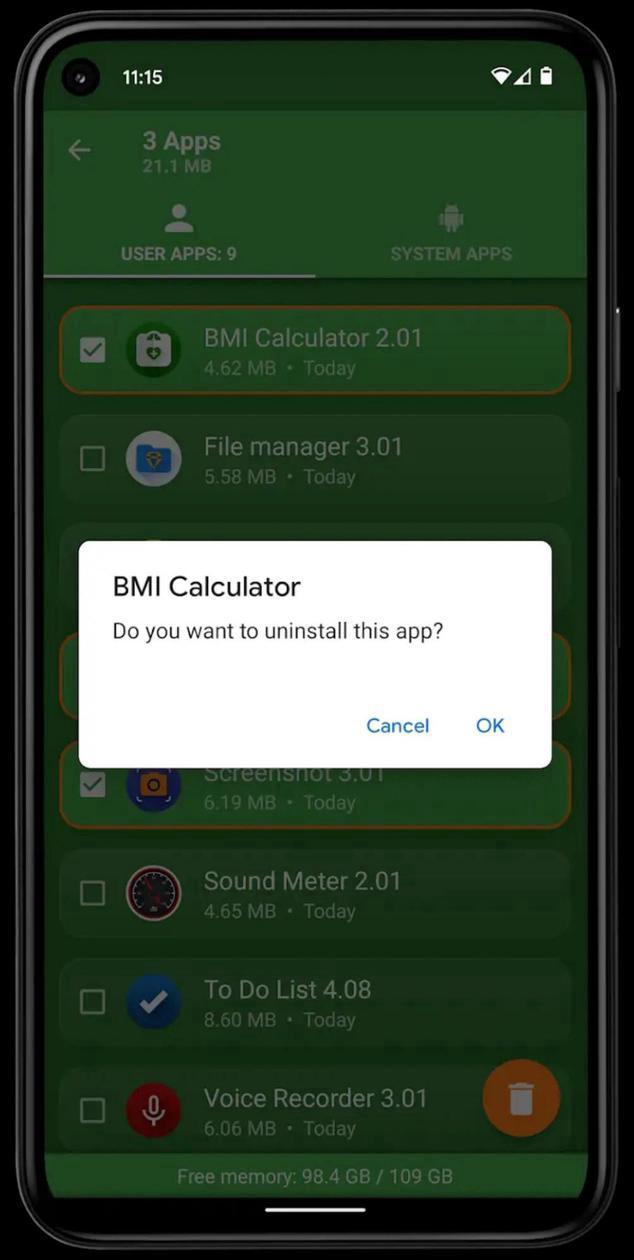
- Uninstall apps easily by single click
- Support for remove apps individually or batch uninstall (long press support)
- Display application info: name, version, installation time and size
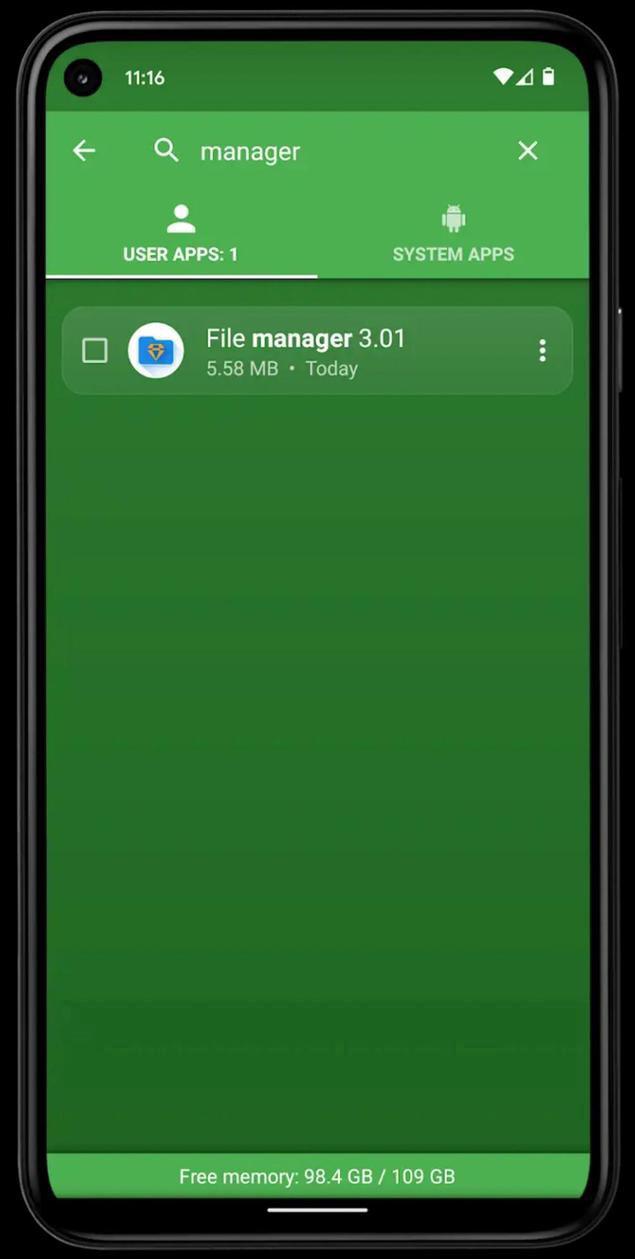
- Searching apps (also by voice search)
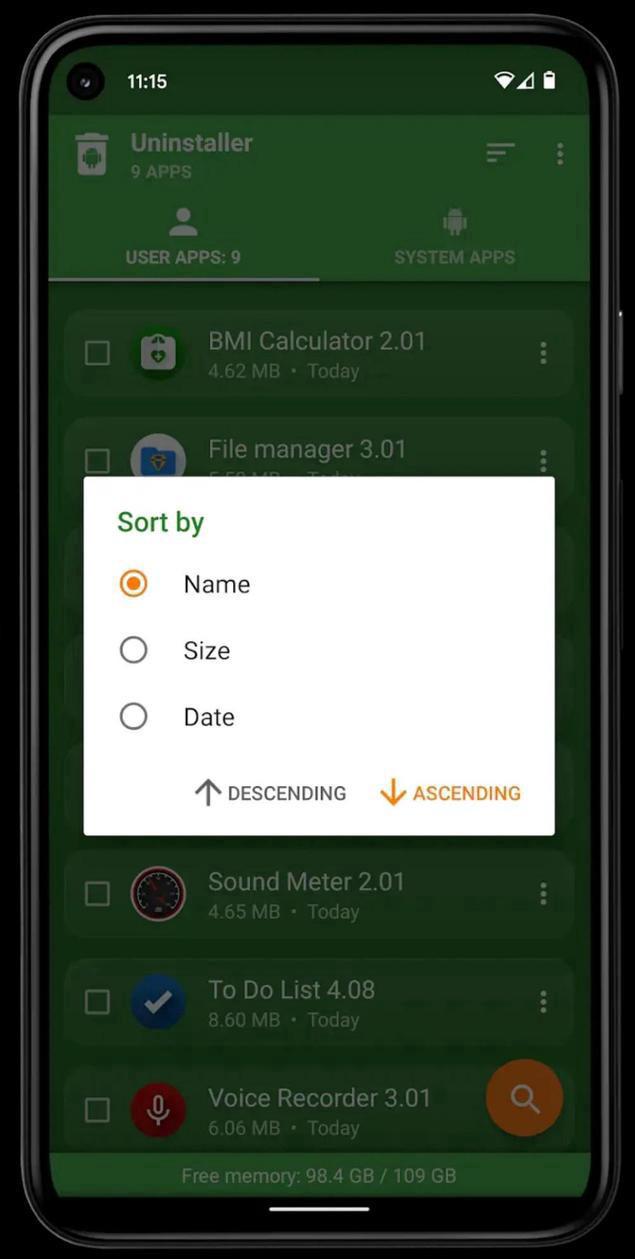
- Sorting by name, size and installation date (ascending and descending)
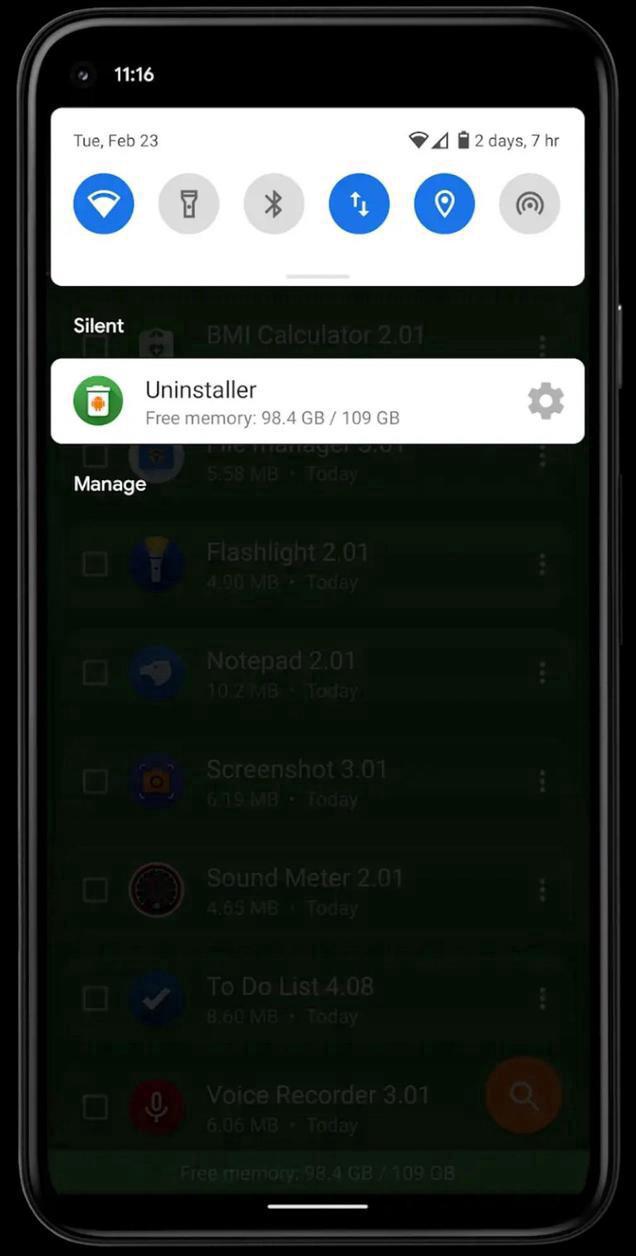
- Status bar (in notification area) for quick access, which can be switched off in settings
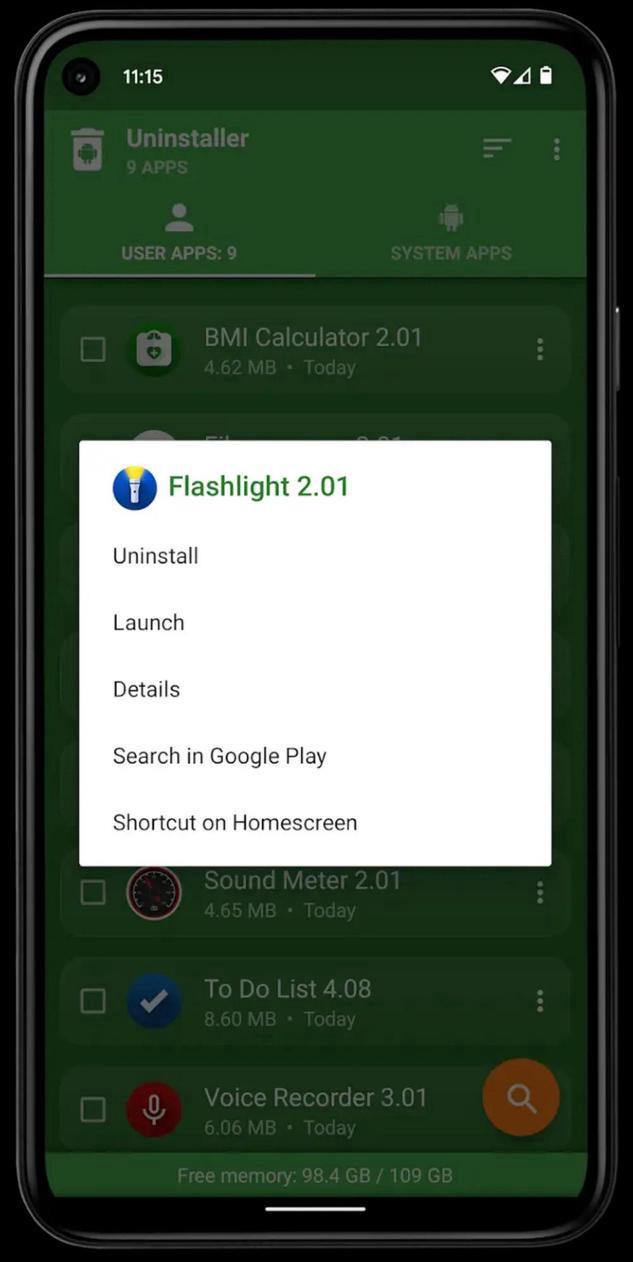
- Option menu with context actions for each app
- Details of the applications
- Search your apps in Google Play
- Create application shortcuts on your home screen
- Information about available memory space
- Usable and user-friendly interface
- Note: Only Rooted devices are able to Uninstall system software!
Rate this app