

Size
102.21 MB
Android
8.0+
Downloads
38
Architecture
x86, x86_64, arm64-v8a, armeabi-v7a
Security Scan
Verified Safe
✓ Scanned with ClamAV, APKiD, and Quark-Engine
Screenshots
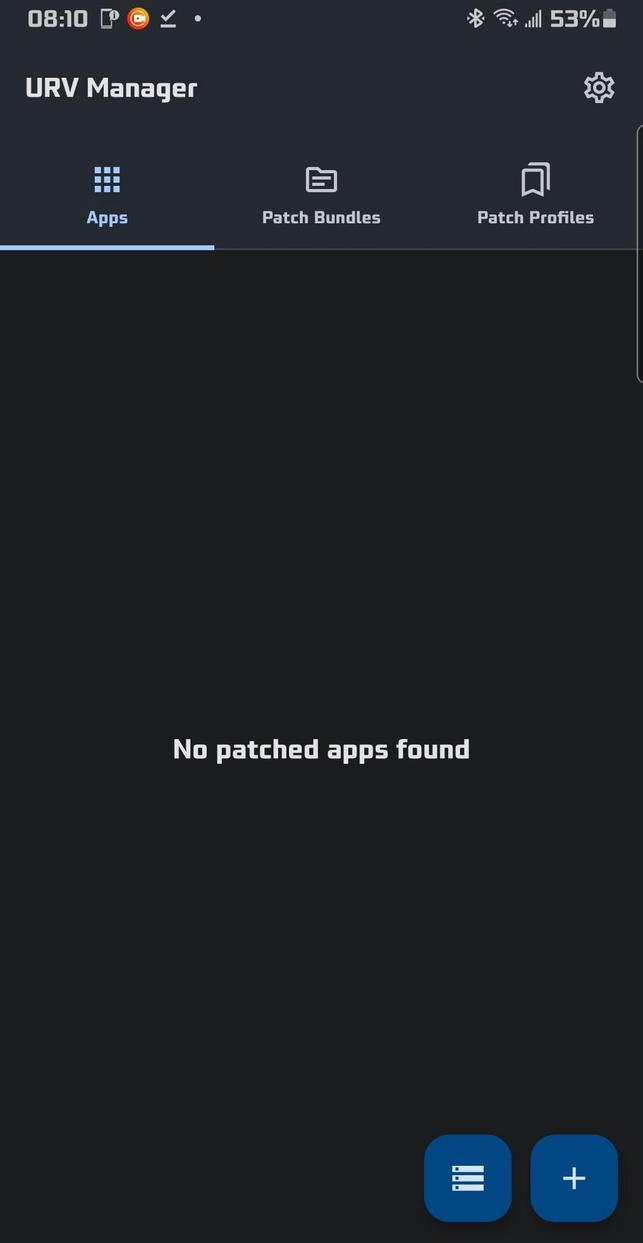
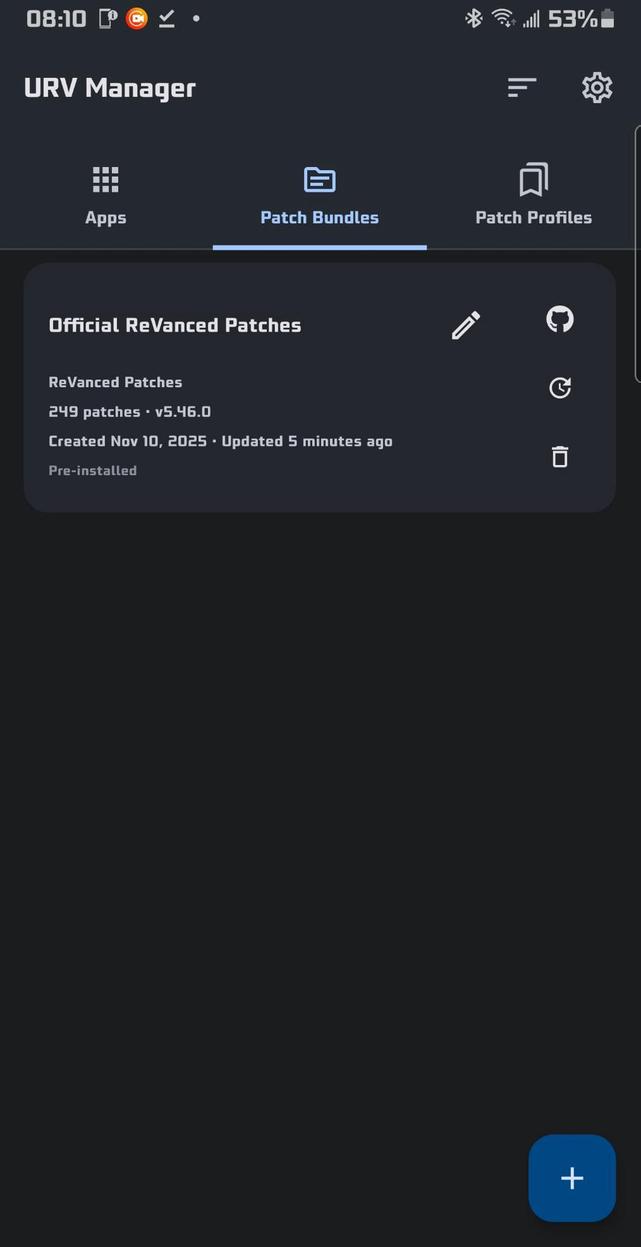
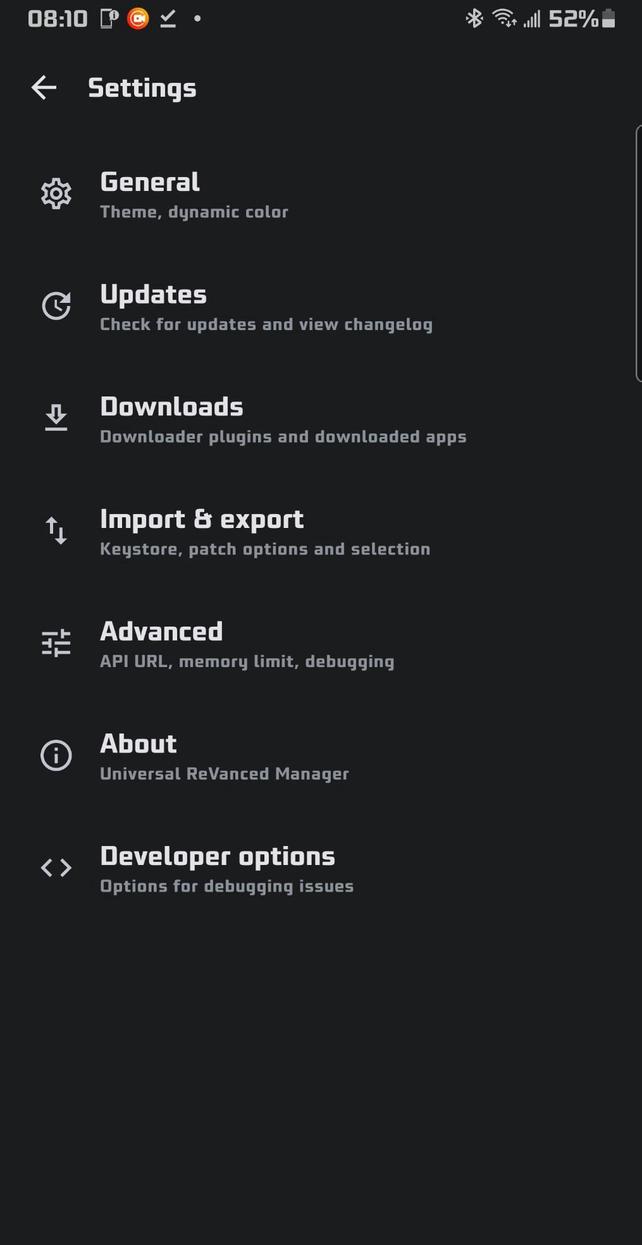
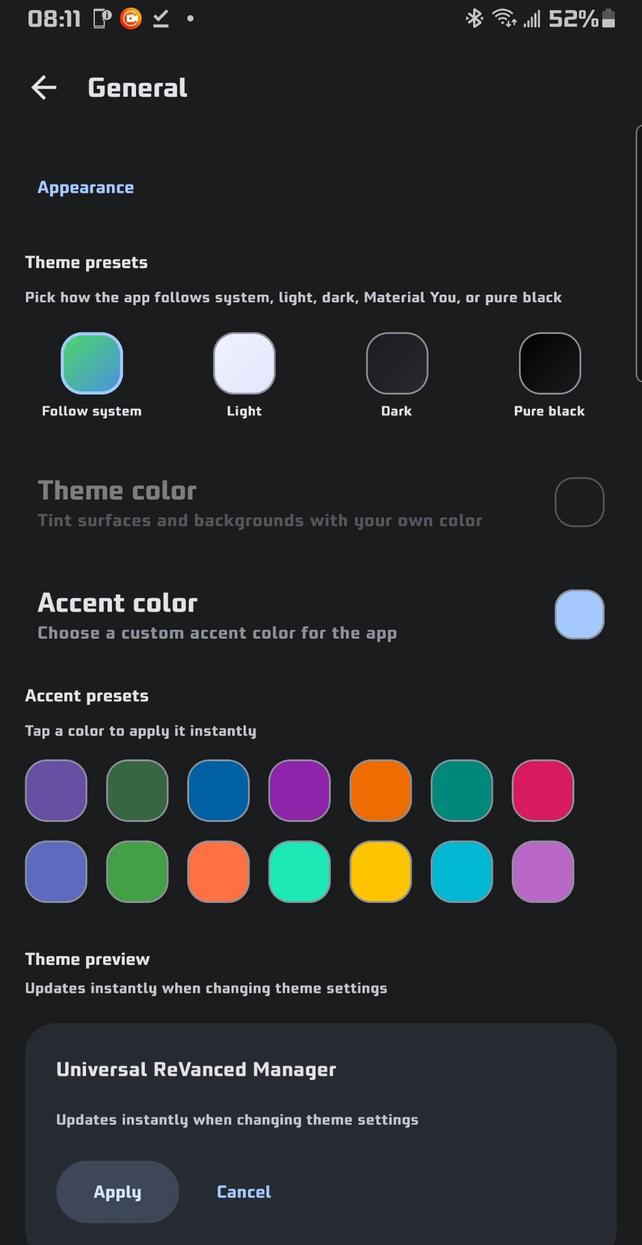
What's New
Features
Redesigned and improved patch bundles widgets UI, moved the progress banner and improved tab switcher UI #135
Redesigned and improved patch profiles widgets UI along with adding an app icon to patch profiles that have an APK selected for instant patching #135
Added Patch bundle action button order setting in Settings > Advanced that lets the user disable and rearrange the action buttons on the patch bundles widget #135
Added a backup and restore system for keystores to mitigate any future missing keystore errors
Added a dialog that appears after missing keystore errors to give clarity to the user on what to do next
Added an information section/dignonstic panel for keystores which lists the keystore alias and password
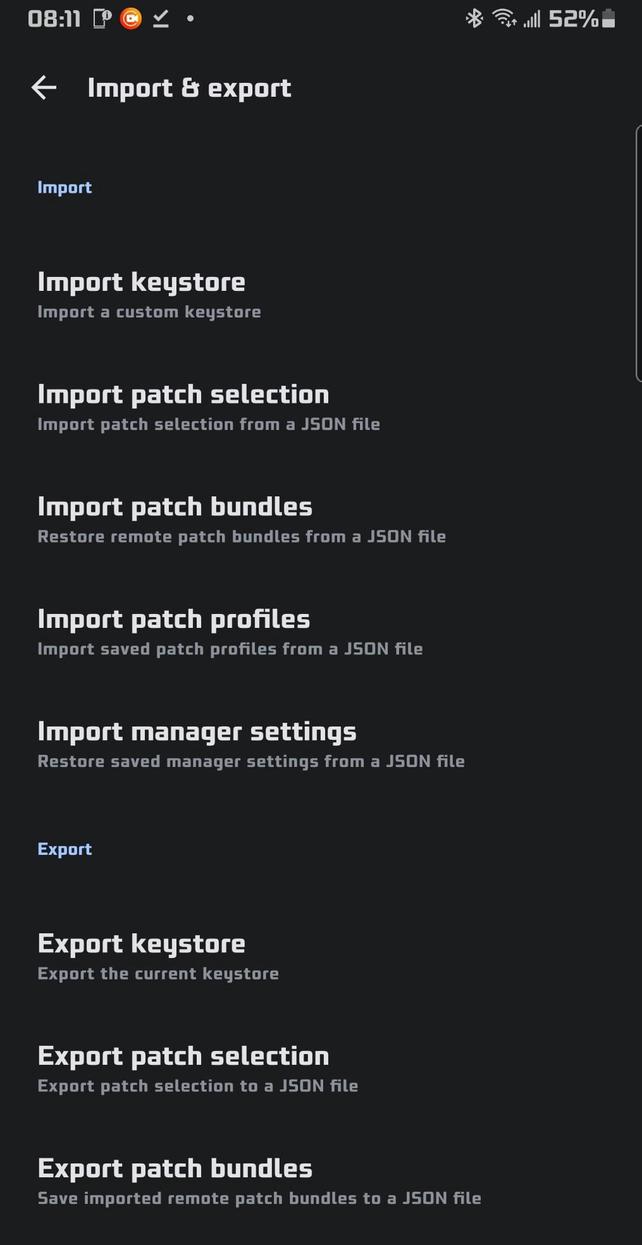
Gave keystores its own section in Settings > Import & Export and moved relevant settings to that section
Added a Effective memory pill under the experimental patcher toggle to clarify to the user the max memory the app can use
Added more information to the patcher log such as bundle type, and whether the experimental patcher is toggled off or on
Added a Latest filter and option in the three dot menu to the Patch bundle discovery
Updated the split-apk merger to use APKEditor instead of ARSCLib
Improved split-apk merger validation, normalization and cleanup
Made the two FAB buttons on the Patch bundles tab collapsible/expandable #146
Increased the pill text box size of the tab titles so devices with smaller screens won't have the text cut off #146
Updated the patch profile widget to use the same button type as the patch bundle widgets #146
Centered patch profile & patch bundle widget action buttons #146
Centered the patch action button menu and expanded the search bar properly on the patch selection screen for devices with larger screens #148
Added the ability to export saved patched apps to storage
Added Saved dates to saved patched apps in the Apps tab #145
Added a refresh/reload button to the custom file picker
Improved the UI of export and saving dialogs for the custom file picker
Updated the view patches screen for patch bundles on the Discover patch bundles page to use the same UI as the view patches screen for imported patch bundles
Made version tags on patches on all view patch screens searchable with the user set search engine
Added patch options/sub-options to the view patches screen on the Discover patch bundles page. This is currently only implemented for patch bundles imported from the discovery page as the API dose not currently support patch option fetching for non-imported bundles
Make all view patch screens searchable by patch name and description
Added a Latest changelog and Previous changelogs action buttons to the patch bundle widget with options to hide and rearrange them in the corresponding setting
Improved the Apps tab saved patched app UI to follow the style of the other tabs
Made all action buttons for saved patched apps quick action buttons on their widgets along with a setting to hide and rearrange said buttons
Added support for AmpleReVanced Patches #152
Bumped ReVanced dependencies
Bumped Morphe dependencies
Added a bundle type field to the patch bundle information screen
Made the FAB buttons on the Apps tab collapsible/expandable #155
Improved and cleaned up the patcher log
Added a popout animation when switching tabs on the main screen
Implemented XML surrogate sanitization to all runtimes
Added the ability to export all settings (not including the keystore) to a single JSON along with an option to import it #165
Adjusted the arrow FAB button on the Apps and Patch bundles tabs to be up against the right edge, removing the awkward gap #164
Added guards to the patcher logger to prevent massive patch log exports
Made the expandable/collapsable FAB buttons on the Apps and Patch Bundles tabs states persist
Made saved patched app entries in the Apps tab not overwrite each other unless the app has the same package name and was patched with the same patch bundle
Added the ability to set a image of choice as the app background
Added Always create new saved app entry toggle in Settings > Advanced that toggles saved patch app entries from being overwritten
Added Hide main tab labels toggle in Settings > General that toggles the labels under the tab icons on the main screen
Added to the app information screen shown after selecting an app or APK to patch a listing displaying the apps package name
Made the View patches screen for patch bundles and the patch bundle discovery have tap to search package tags
Made Any package tags not searchable for the View patches screens patch widgets (and also the Any version tag when the Any package tag exists with it)
Added an update notice tag to saved patched apps when the imported patch bundle version is newer than the one used to patch the app #163
Updated Patch Bundle Discovery to use the new api/v2 & latest?channel= URLs while keeping backwards compatibility with api/v1 URLs
Added a draggable transparency adjustment bar to Settings > General for when a image is set as the background
Made the state of the progress banner persist
Made the collapsed version of the progress banner show a minimal view of progress #162
Added bundle-aware APK version assessment that finds the best matching bundle/version for storage-selected APKs
Added a universal fallback confirmation dialog (Use universal patches?) when only universal patches are compatible
Added a specific blocked-state message when only universal patches match but universal patches are disabled
Expanded safeguard dialog support to allow confirm/cancel actions
Added a Use custom file picker toggle in Settings > Advanced that when toggled off, disables the custom file picker and uses the built in android file picker (documents provider)
Added a Tools tab
Added a Merge split APKs tool in the Tools tab that just merges the selected split APK and allows the user to save it to storage after #171
Added a Create custom YouTube icons & headers tool to the Tools tab (inspired by Morphe Managers implementation)
Made main screen tab titles wrap to prevent them from being cut off #175
Added the ability to hide & disable Patch Profiles and its associated tab with a toggle in Settings > General
Added the ability to hide the Tools tab with a toggle in Settings > General
Added a Keystore creator tool to the Tools tab
Added a Keystore converter tool to the Tools tab
Made text wrap on the Create custom YouTube icons & headers tool screen
Added a confirmation dialog for favoriting files with the custom file picker
Added an image preview dialog that opens when you tap the small image icon on the left for image files in the custom file picker #176
Made user-selected image backgrounds persistent by importing the selected image into the app’s internal storage, so the original file doesn’t need to remain on the device. Users who set a custom image background before dev.12 will need to reset and reselect their background for this change to take effect.
Replaced Image selected: <filename> with a preview of the selected background image
Added downloader support to the Merge split APKs tool
Added signing to the Merge split APKs tool so the output APK is not unsigned
Made the Merge split APKs tool always run in another process (due to the intensity of merging some split APKs). If a separate process can’t be used, it will fall back to running in-app
Added French to the in app language selector dialog
Synced Crowdin
Bug fixes
Resolved redundancies within the service.sh script improved module regeneration #134
Mitigated issues with having to regenerate keystores & persistent errors with signing (even after regenerate the keystore) for some users
Fixed an issue where the experimental patcher was always on internally when patching with Morphe, and couldn't be turned off
Fixed alignment of accent presets in Settings > General
Fixed patch options/suboptions dialogs flickering in certain states
Fixed the Patch bunblde discovery screen incorrectly displaying the shimmer effect on the loading elements
Fixed Keystore diagnostics not being able to be searched through settings search bar
Fixed missing shimmer element when tapping refresh for the Keystore diagnostics panel
Fixed incorrect version listings on the patch selection screens patch widgets
Fixed the miscolored status bar on patch bundle information screens
Fixed ...
Description
Universal ReVanced Manager includes powerful features that the official ReVanced Manager does not:
🔄 Patch Bundles & Customization
💉 Third-Party Patch Support: Import any third-party API v4 patch bundle you want (including popular ones like inotia00's or anddea's), which the official ReVanced Manager does not support
🛠️ Custom Bundle Names: Set a custom display name for any imported patch bundle so you can tell them apart at a glance
🙂 Smarter Patch Selection:
Global deselect all button
Per-bundle deselect all button
Per-bundle select all button
Global select all button
Patch profiles button to save patch selections and option states per app
Latest patch bundle changelogs shown in bundle info
Undo & redo buttons
🧭 Bundle Recommendation Picker: Choose per-bundle suggested versions or override with any other supported version
🔍 Suggestion Toggle on Select-App: Bundle suggestions are grouped behind a toggle with inline dialogs to view additional supported versions
🧹 Official Bundle Management: Delete the Official ReVanced patch bundle from the Patch Bundles tab and restore it from Advanced settings
📝 Export Filename Templates: Configure a filename template for exported patched APKs with placeholders for app and patch metadata
🌐 Release Link Button: GitHub button on each bundle’s info page opens the bundle repository’s releases
🕒 Bundle Timestamps: Cards show Created and Updated times; exports and imports preserve these timestamps
🧭 Organize Bundles: "Organize" button to manually reorder bundles; exports and imports keep the custom order
management system covering app installs, saved app reinstalls, and manager updates
Metadata display for each installer
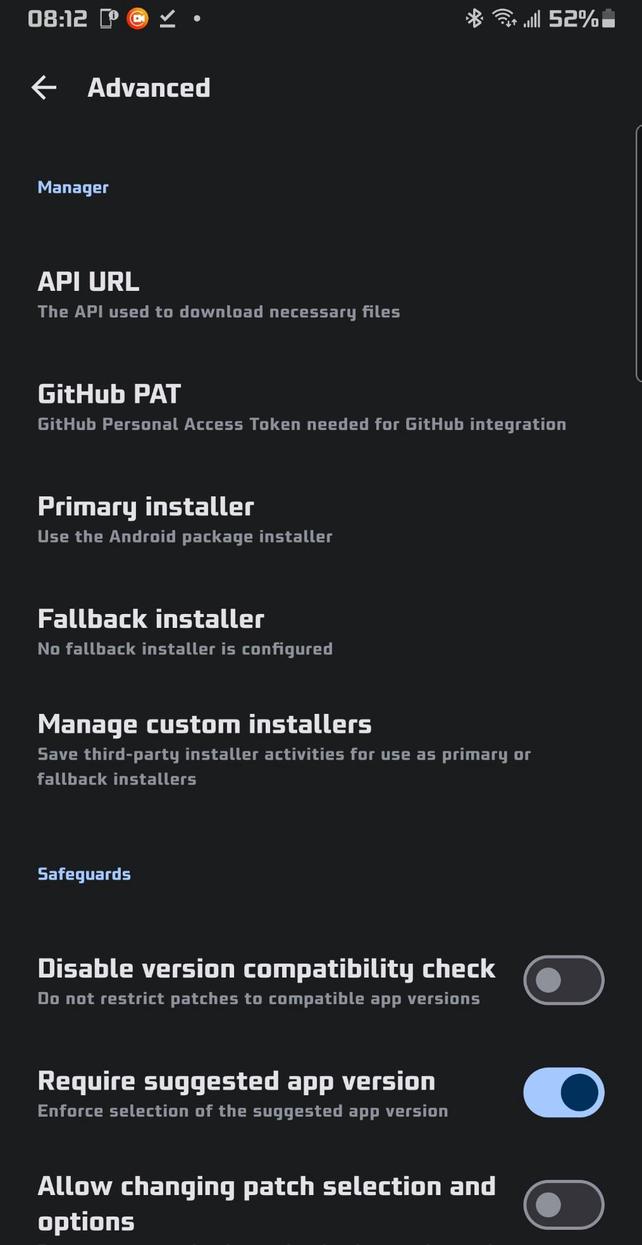
Configurable primary and fallback installers
Shizuku installer option for silent installs when Shizuku or Sui is available
Advanced settings support saving custom installer packages with package-name lookup and autocomplete, plus dedicated management for third-party installers
📥 Downloader & Storage Management
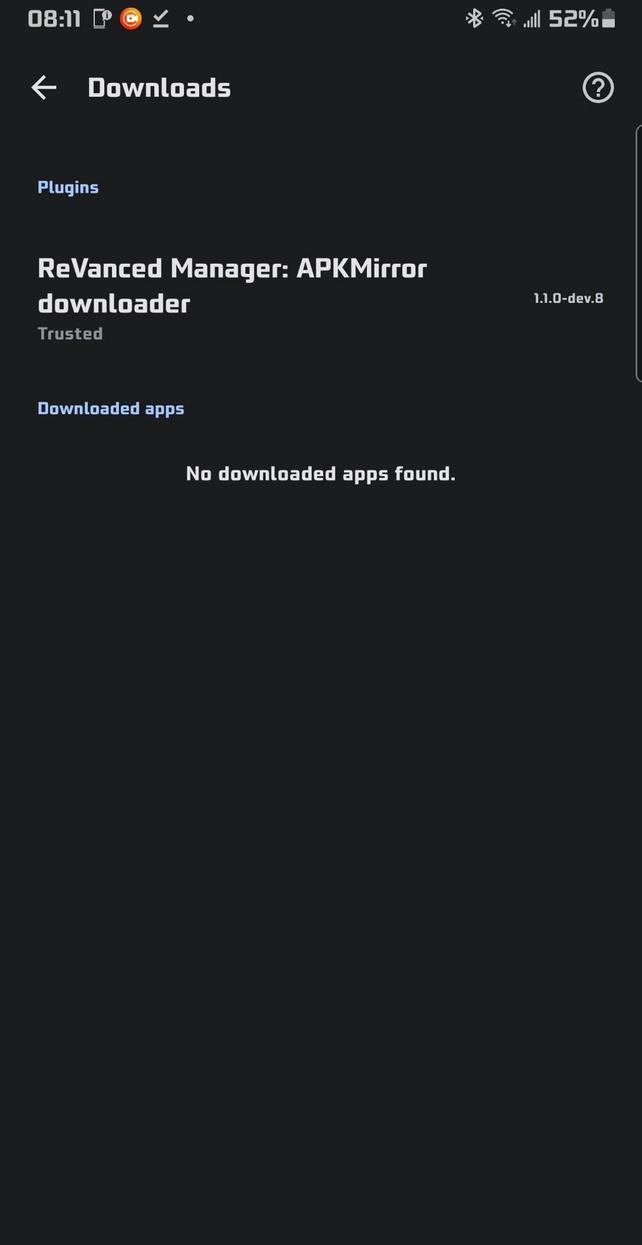
📂 Cached Downloads Management: The manager can now keep multiple downloaded apps (from downloader plugins) inside the downloader settings. You can also export any of these APKs to your device storage whenever you want
🧼 Plugin Cleanup: You can uninstall downloader plugins directly from inside the manager via the download settings page. No manual cleanup needed
🎨 Appearance & Theming
🎯 Enhanced Theming: Appearance settings include an accent color picker, theme color picker, color HEX code support, presets, and a live preview widget so you can choose a custom theme color and customize the app to your liking
⚫ Monochrome App Icons: Support for Android monochrome icons
↔️ Better Long Names: Long labels use horizontal swipe instead of auto-sliding or wrapping
🌐 Network & Updates
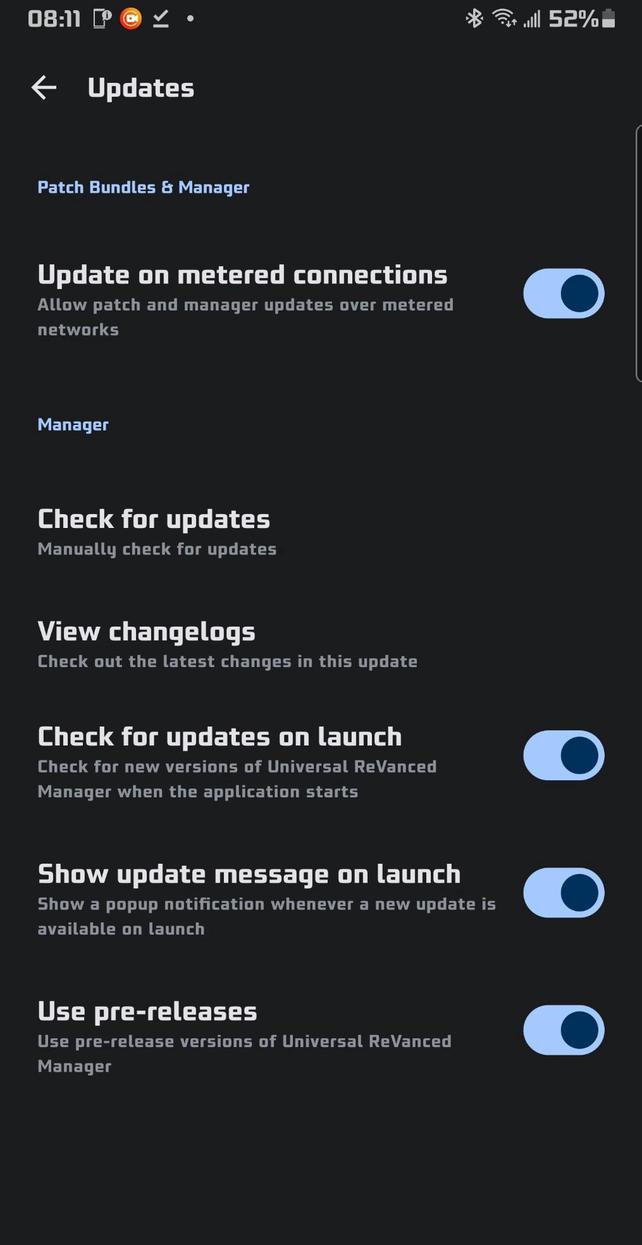
🛜 Metered Connection Control: Toggle to allow updates on metered connections for both patch bundles and the manager itself, so you are not blocked on mobile data
🧑💻 Developer & Power Features
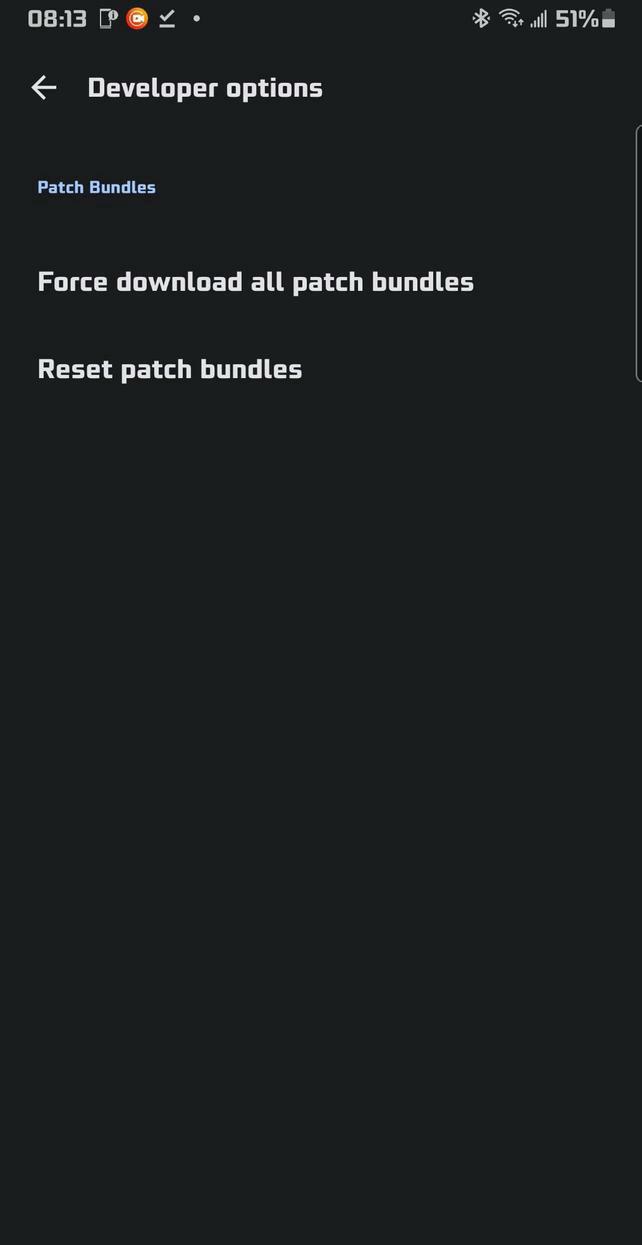
🧑💻 Always-Visible Developer Options: Developer Options are always available in Settings by default. No hidden or secret unlock flow
📤 Robust Import / Export: Export and import your patch bundles, your patch profiles, and your app settings to and from JSON files for easy backup, sharing, or migration between devices
🌍 Localization
(🇨🇳) Simplified Chinese: Simplified Chinese localization with a user-selectable language option in settings
(🇻🇳) Vietnamese: Vietnamese added as an additional app language option
Korean (🇰🇵 / 🇰🇷): User-selectable language option in settings
Japanese (🇯🇵): User-selectable language option in settings
Russian (🇷🇺): User-selectable language option in settings
Ukrainian (🇺🇦): User-selectable language option in settings
Rate this app
Ratings & Reviews
No reviews yet.