

12.57 MB
Android 7.0+
146
x86, x86_64, arm64-v8a, armeabi-v7a
Verified safeScanned with ClamAV, APKiD, and Quark-Engine. No threats detected.
Screenshots
What's New
New Tool: Date & Time Calculator
Search for app settings directly from search bar
Added Quick Search to your phone's text-selection menu and share sheet.
Enhancements and bug fixes
Description
Quick Search
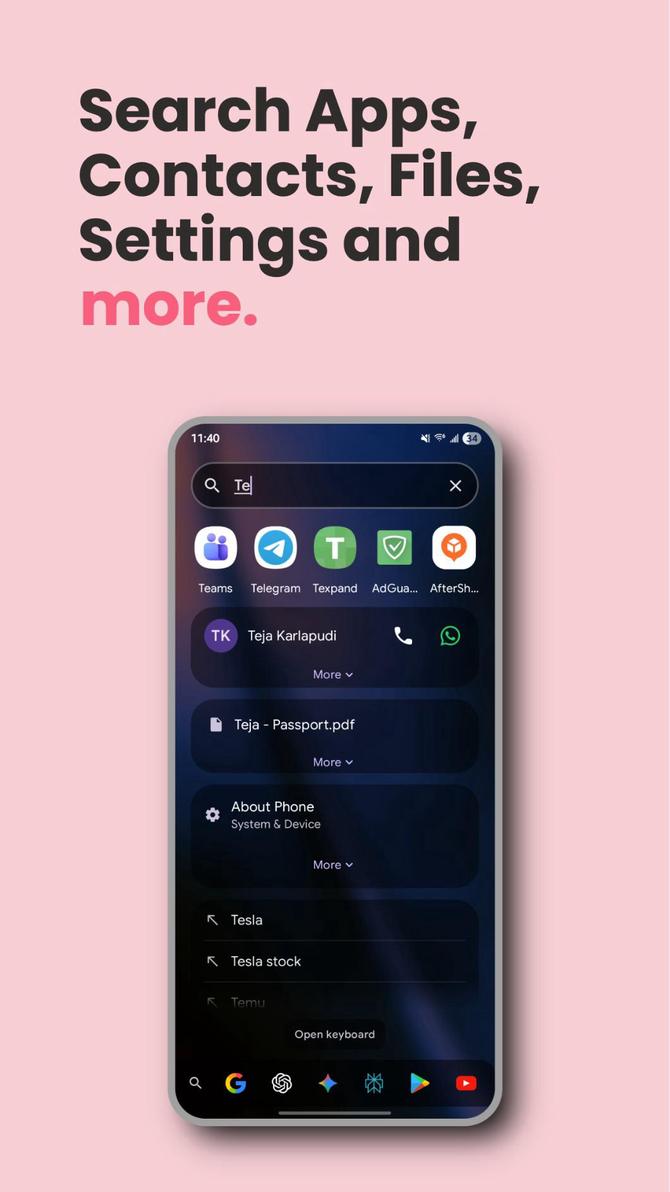
A fast & powerful Android app that lets you search across apps, contacts, device files, device settings, web, and basic calculations from a single screen. Built with Kotlin and Jetpack Compose using Material 3 design.
✨ Key Features
🔍 Unified Search
Apps: Search and launch installed applications with smart ranking. App search ignores typos and allows abbreviations. Long press apps to access their shortcuts (if available); shortcuts appear in search results too.
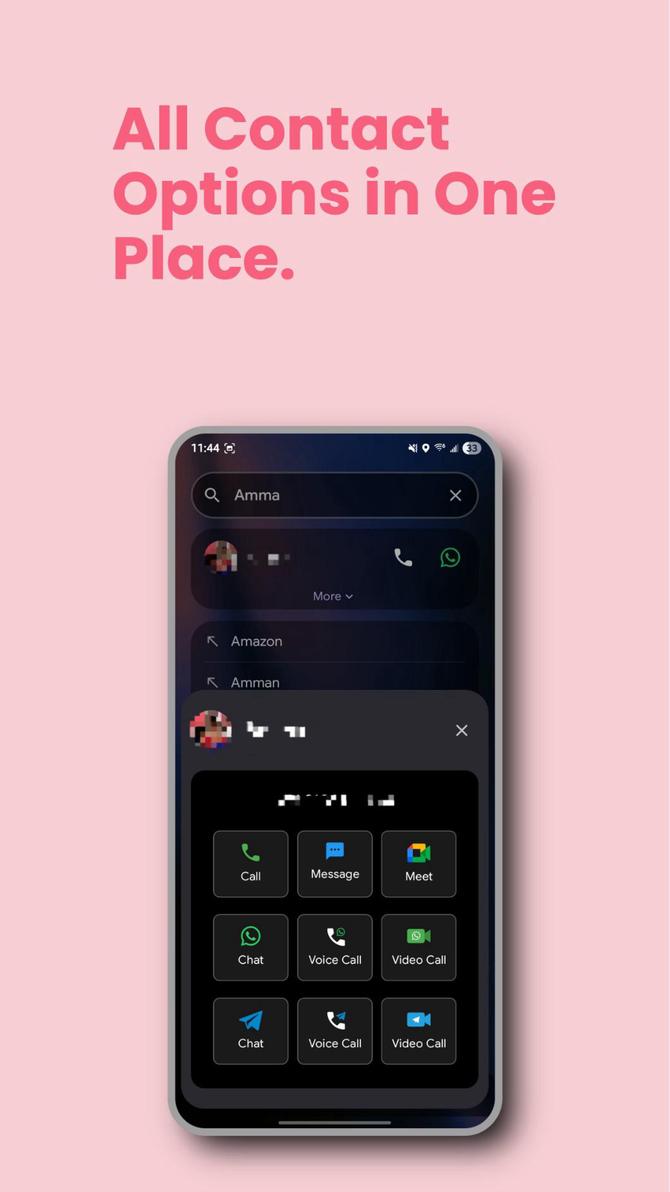
Contacts: Find and call/text contacts with multi-number support and WhatsApp/Telegram/Google Meet integration. Long press contact actions to customize them.
Files: Search device files and folders (images, videos, documents, etc.)
Device Settings: Search Android system settings
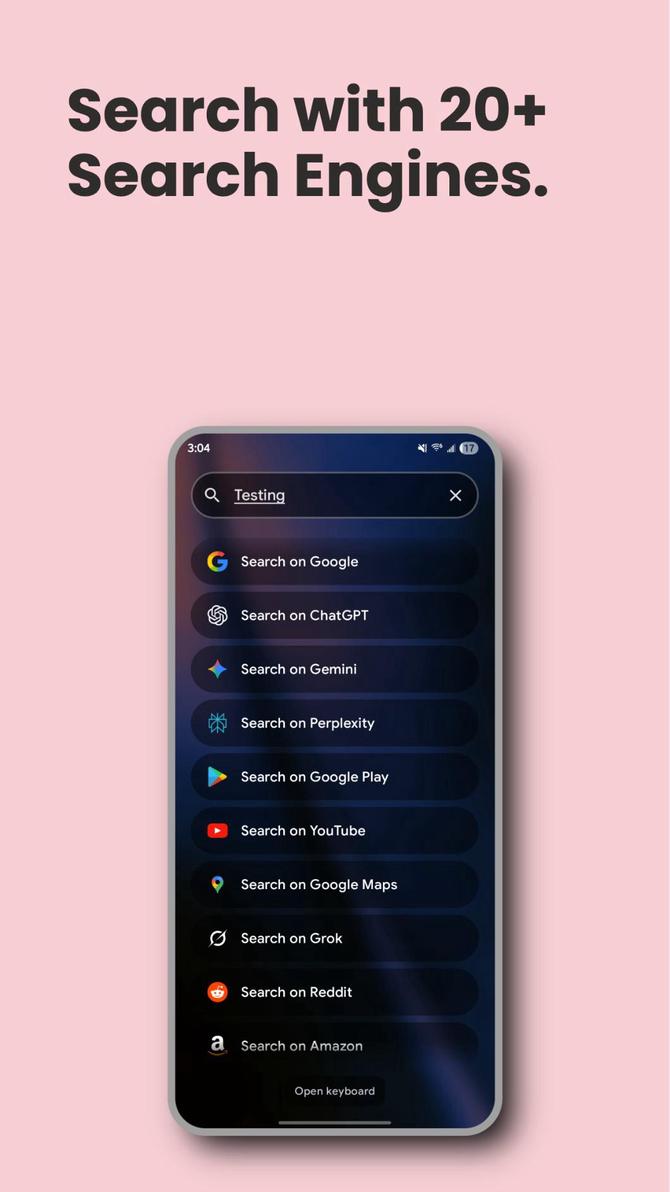
Web: Search the web using 24+ search engines with customizable shortcuts and web suggestions. Browsers can be added as search engines.
Calculator: Built-in calculator for math expressions (+, -, *, /, brackets)
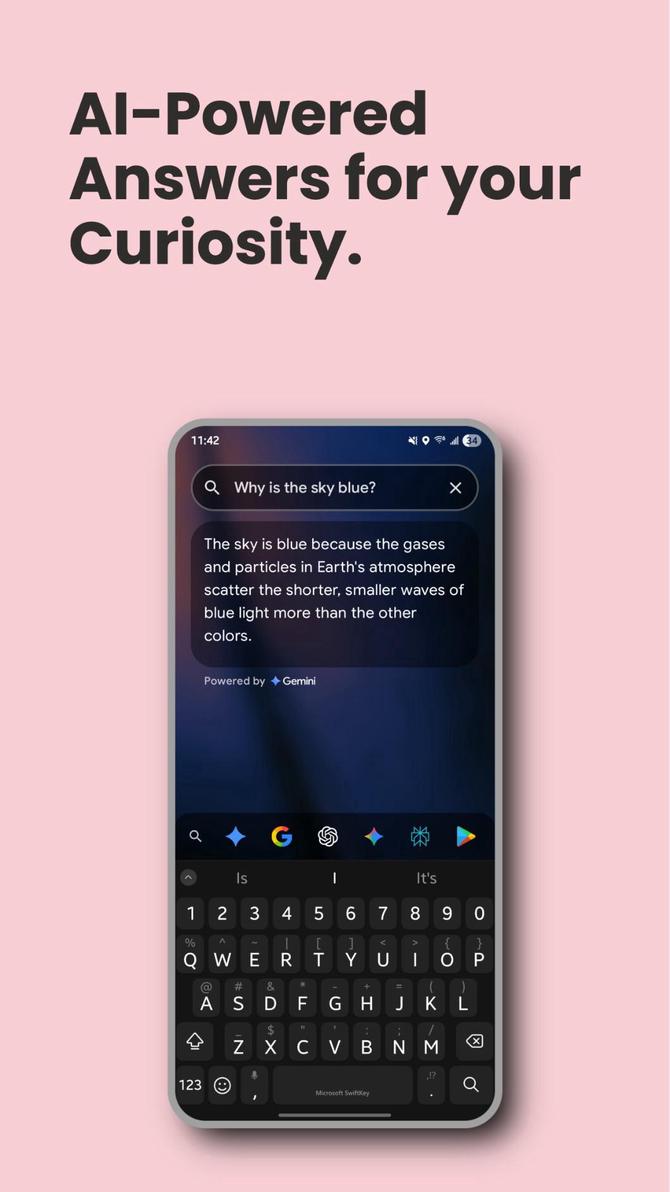
Gemini API: Direct search with AI-powered answers using Gemini/Gemma models and optional personal context
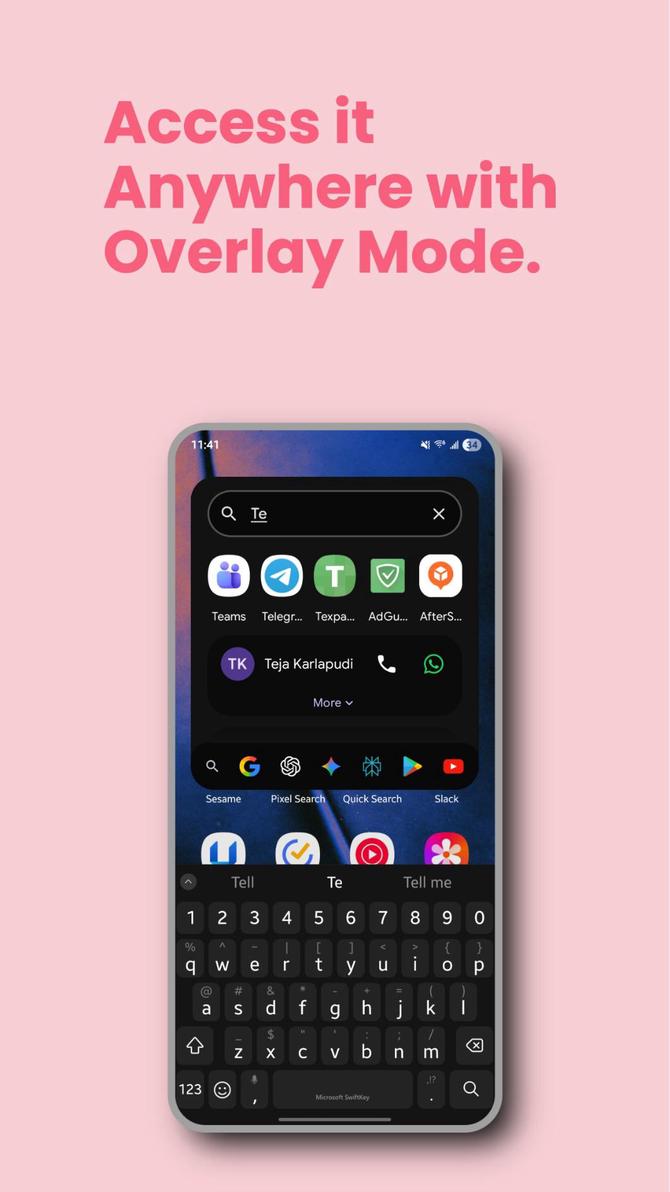
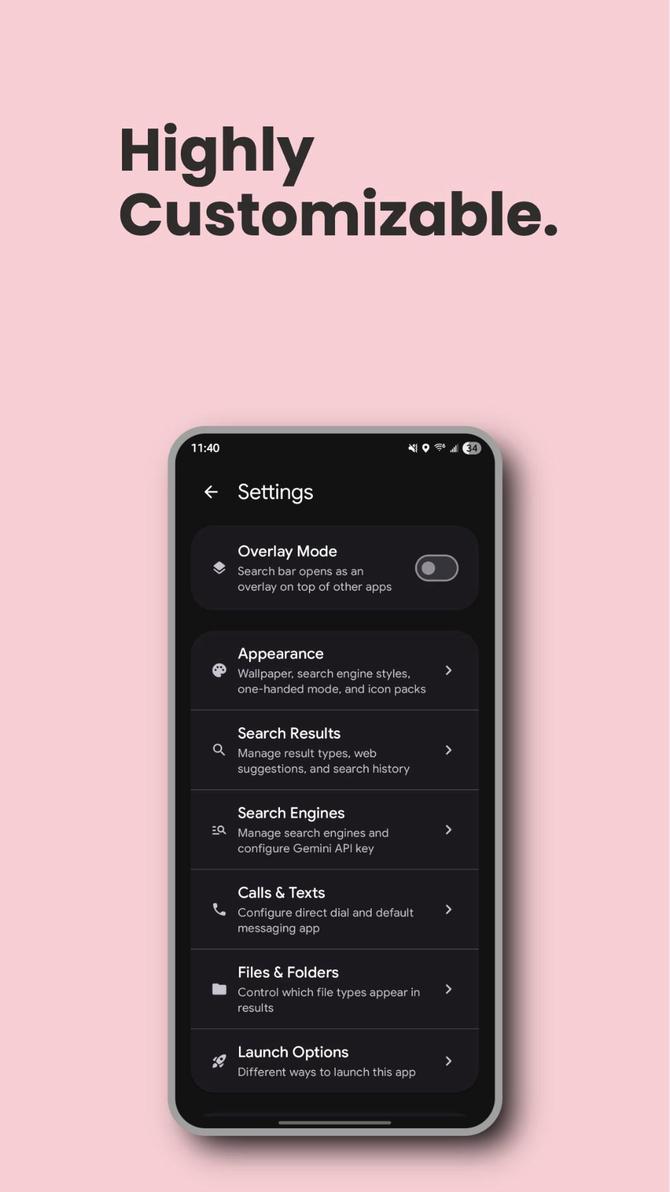
Overlay Mode: Enable to make the search bar appear over other apps, anywhere—changes how you access search from any screen
Home Screen Widget: Search widget and custom buttons widget with extensive customization options
Launch Options: Widget, Quick Settings Tile & Digital Assistant
🎨 Customization & New Features
New App Themes: Choose from multiple visual themes for the app's appearance
Bottom Search Bar: Option for bottom-positioned search bar for improved accessibility
Font Size Control: Customize font size throughout the app for better readability
Custom Backgrounds: Select any picture from your device for the app background
App Management: View app details or bulk uninstall apps from search results settings
Shortcut Management: Enable, disable, or add custom shortcuts including search queries, URLs, and app activities
Import/Export Settings: Backup and restore your Quick Search configuration and preferences
Rate this app
Ratings & reviews