

Size
160.64 MB
Android
9.0+
Downloads
656
Architecture
armeabi-v7a, x86, x86_64, arm64-v8a
Security Scan
Verified Safe
✓ Scanned with ClamAV, APKiD, and Quark-Engine
Screenshots
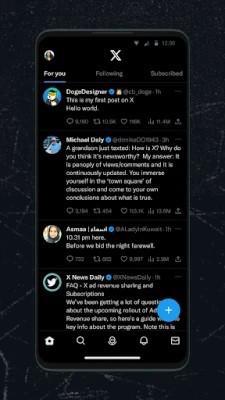
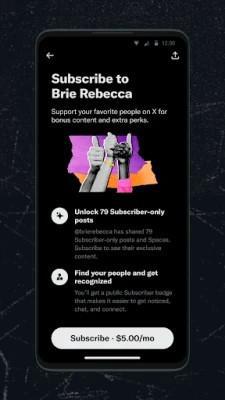

What's New
⚙️ MOD Info :
▫️Patched By Crimera with Piko Project Patch 2.0.0.dev23
4 APKs:
🔸Twitter Name & Icon with Stock Theme | Monet Theme (2 Packs)
🔹X Name & Icon with Stock Theme | Monet Theme (2 Packs)
▪️Patches: crimera/piko-twitter-patches-2.0.0.dev23.jar
▪️All Patches Applied
▪️4 OutPut Builds:
🔸X, Twitter Name+Icon APK w Stock Theme
🔹X, Twitter Name+Icon APK w Monet MaterialYou Theme
★ Compiled By Crimera Himself
⚙️ Extra Informations ;
▫️Based on Compiled APK
Removed x86 and x86_64 Libs & splitted into arm and arm64
▫️Trash (Build log Files, Crashlytics
SDK Libs, their Invokes, Crashlytics NDK,KTX Whole Code, Debug Codes) Removed
▫️Crashlytics Setup Disabled & Links Nullified
▫️Size Reduced from 205 to 100 MB (No compression Applied)
Signature Changed (obviously bcz of modification)
★ Mods Applied by RBMods
★ Patches Compiled by Crimera
★ APK Files Verified by Rockmods
Description
Twitter Xv11.63.0-release0
The X app is the trusted global digital town square for everyone.
⚙️ Additional Info / How to Install
🐥 Dedicated Methods to Login:
1. NonRoot Method (If Your Device is not rooted):
- if Your twitter account is based on your google account then
• Install X from play store first
• Tap continue with google
• After logged in wait a few seconds
• Do not logout, straight uninstall (Dont Tick "Keep App Data" if asked)
• As fast as possible install patched apk
• Tap continue with google and select account again
• Done
- If Your Account is not based on Yout Gmail/Google Account or If the Above Method didn't work, then
0: install Proton Pass (to save Passwords)
1: Install official X app from Google Play,
2: go to "Settings and privacy" > "Security and account access" > "Security" > "Additional password protection" > Enable "Passkey", save passkey to Proton Pass.
3: uninstall official X app.
4: install x-piko-material-you-v11.20.0-release.0.apk
5: Login with Passkey, Enjoy.
2. If Your Device is Rooted:
• Install Official X From Google Play
• Login and setup
• Disable Signature Verification through LSPosed & Corepatch Module or Lucky Patcher
• Install Patched Piko APP
• Enjoy
Rate this app