

29.82 MB
Android 9.0+
138
arm64-v8a, armeabi-v7a
Verified safeScanned with ClamAV, APKiD, and Quark-Engine. No threats detected.
Screenshots
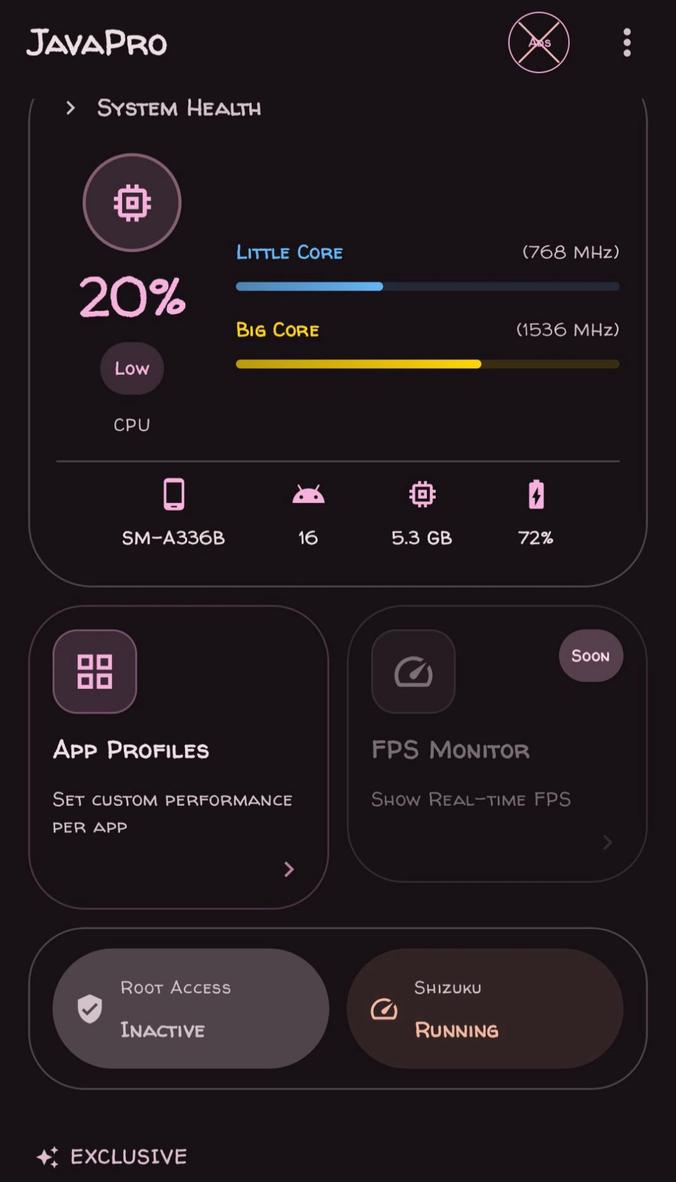
Description
Stop background Java processes from consuming CPU while you are gaming or doing other CPU-intensive activities.
Force GPU Rendering: Enable this option to have your 2D UI rendered on the GPU instead, it really improves the overall smoothness of the program.
Disable System Animations: This will stop system animations from adding delay.
Dex20at Speed: Allows you to compile your apps at increased speed, getting them ready to launch on the spot.
RAM Management OPT: to prevent certain heavy applications from aggressively closing background applications that you need.
Gaming Mode
This section feels way more engaging during heavy play than the regular time trial mode.
Touch responsiveness improved greatly, which is very important for this kind of game. I’ve noticed a massive reduction in input delay and it allows for fast flicks and tight circles for accurate aiming.
Unlock High FPS: This plug-in overrides the stock system limit for FPS, which means you can have even higher FPS on high refresh-rate monitors.
Disable HW Overlays: This turns screen rendering back to the CPU and immediately stops the random micro-stuttering I got in the middle of fights.
Disable Thermal: This option allows you to disable thermal throttling in order to help prevent a drop in FPS. Note that this will also increase the internal temperature of your phone and you should be cautious of overheating, especially during extended gaming sessions.
Battery & Power
Aggressive Doze: Stops battery drain when screen is off by aggressively sleeping your phone as soon as screen is turned off. Helps prolong battery life so you can play more games!
I’ve been running this settings for a while now. Super stable performance. Give it a go.
Fixes!
Complete UI overhaul on the Home Screen and Settings
Add Automatic Updates
Fix graphics drivers
Update Preload
Move support to the Home Screen
Now you can add custom packages to GameBoost
Add Notification Limiter
Add Background Data Saver
Battery Optimization
Exclusive Features!
Debug Tools: Here you can view all logs on your phone
Crash Dump
Package Inspector
Build Info Tab
Backup and import settings. -Tweak profile switcher
Auto apply settings you apply in the GameBoost tab when entering a game
Network Preset
Color Calibration Preset
Two versions of the NavBar are available
Rate this app
Ratings & reviews
No reviews yet.