

Projectivy Icon Pack
ExclusiveOpen SourceNot ScannedVersion 1.0.8 (108)
Published 10/24/2025
Download APKSize
14.02 MB
Android
5.0+
Downloads
109
Security Scan
Not Scanned
This app hasn't been scanned for security threats yet.
Screenshots
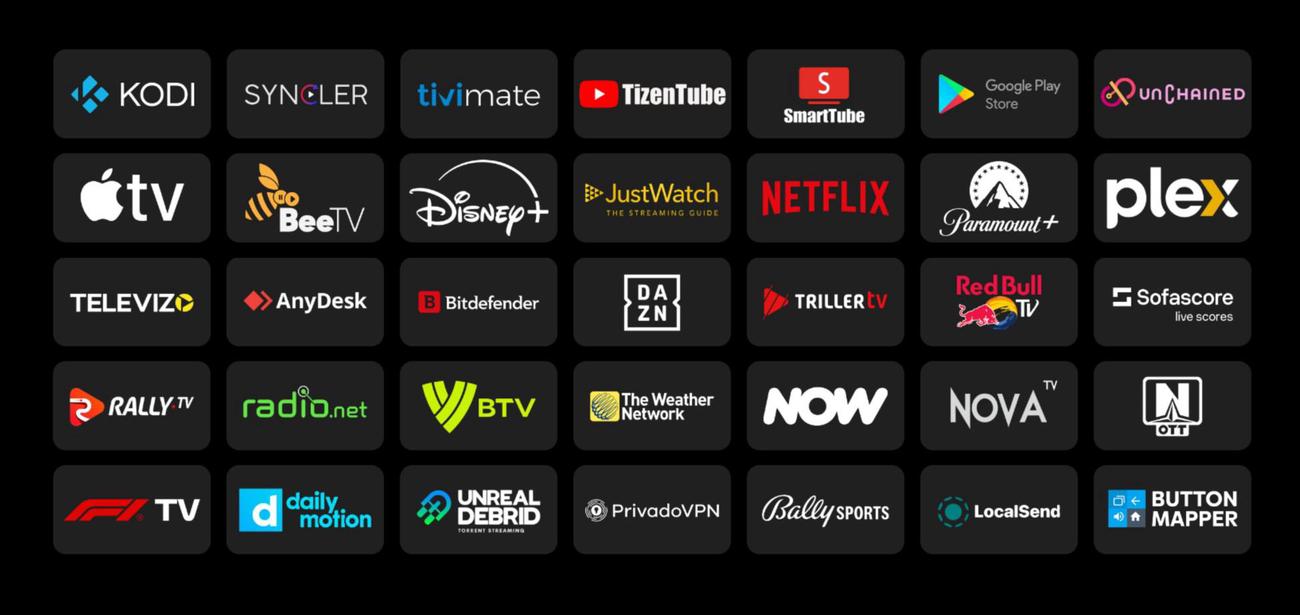
What's New
Added 23 new icons
Fixed/improved several icons
Description
The Projectivy Icon Pack is designed specifically for use with the Projectivy Launcher application.
Created and based on the Blueprint project—which made the icon pack possible—it’s easy to apply, with icons configured to automatically assign to all supported applications, saving you the time and effort of manually selecting icons for each app.
All icons are custom-made to deliver a modern and consistent look, with transparent backgrounds that enhance visual consistency and allow you to assign your preferred background colors in the launcher.
Once installed, assign the icon pack directly in the icon pack application by selecting the apply button, or in the Projectivy Launcher by following these steps:
From the launcher's menu, select Projectivy Launcher Settings.
Select Appearance.
Select Cards.
Select Icon Pack.
Select Projectivy Icon Pack.
Changing Background Color for Icons
To further enhance the icon pack’s look, you can change the background color of the cards:
From the Projectivy Launcher menu, select Projectivy Launcher Settings.
Select Appearance.
Select Cards.
Select Background color
Rate this app
Ratings & Reviews
No reviews yet.