

Size
11.67 MB
Android
5.0+
Downloads
1,943
Architecture
arm64-v8a, armeabi-v7a, x86, x86_64
Security Scan
Verified Safe
✓ Scanned with ClamAV, APKiD, and Quark-Engine
Screenshots

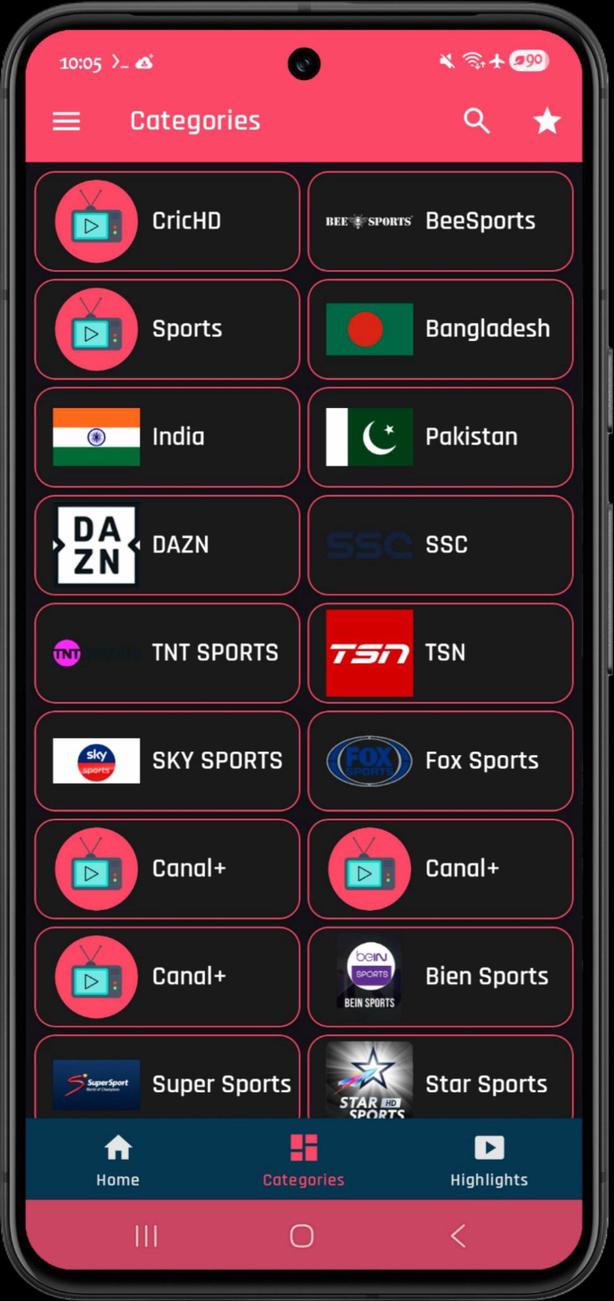
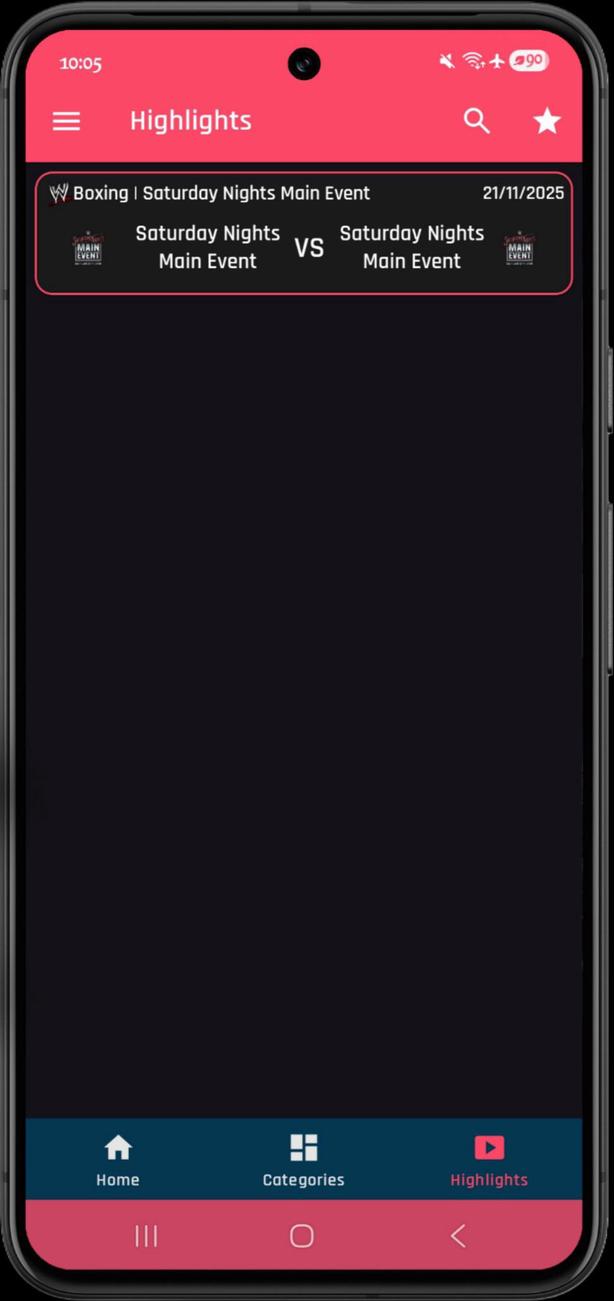
What's New
❏ Mod Info:
● Ads Disabled / Removed
● Ads Permissions / Services / Providers Removed From AndroidManifest
● Ads Links Removed and Invokes Methods Nullified
● Ads Layouts Visibility Disabled
● Disabled / Removed Unwanted Permissions + Receivers + Providers + Services
● Analytics / Crashlytics / Firebase Disabled
● All Trackers Disabled / Zero (No) Active Trackers & Advertisements
● Optimized and Zipaligned Graphics and Cleaned Resources For Fast Load
● Disabled / Removed Useless Files + Buttons & Layouts
● Disabled / Removed Billing
● Google Play Store Install Package Check Disabled
● All Debug Info Removed
● AOSP Compatible / No Google
● Languages: Full Multi Languages
● CPUs: Universal
Description
RTS TV - Live TV & Sports v25.0 [Mod Extra]
RTS TV is the perfect all-in-one streaming solution that lets you watch movies, live sports, and explore popular TV channels in a single app. Built for Android, it is free to download, offers a lightweight experience, and features popular content. No subscription, no registration. Download now and explore your favourite events like never before.
No Login Required
Completely free, RTS TV requires no registration, no subscription, and no complicated setups. Just download the app, grant permission, install and start streaming sports and movies without restrictions.
Smooth Streaming on Slow Networks
You can now enjoy a smooth experience when streaming live sports on a slow network. The app automatically prompts you to switch quality and you can manually choose your preferred quality.
Multi-Language Streams
RTS TV also features different languages based on servers. Common languages available on most channels are: English, Bengali, Tamil, Spanish, Hindi, etc. You can always enjoy streaming in your preferred language.
Channels Categories on RTS TV
With over 500+ channels and counting. RTS TV keeps growing and its channel organising makes streaming easy. On the app, you’ll find the following:
Sports Channels
There are plenty of sports channels for users to enjoy live matches and major tournaments. You’ll find PTV Sports, Ten Sports, Sony Sports Network, beIN Sports, Super Sports, and much more.
Cricket Live TV Channels
Star Sports Cricket, Willow Cricket, Sky Sports Cricket, Sports18 Cricket, and T Sports and other cricket channels are available for users who want to stream IPL, PSL, BPL, Asia Cup, Champions Trophy, and ICC World Cup.
Entertainment TV Channels
Built for movies and entertainment, RTS TV also ensures you don’t miss out on dramas, movies, comedy shows and much more. You’ll find entertainment channels like ARY Digital, Sony SAB, Geo Entertainment, Colors TV, Hum TV and more, all available.
News and Information Channels
The news and information channels like Geo News, ARY News, BBC News, Al Jazeera, and CNN ensures users stay updated with the latest happenings in politics, world news, economy, sports updates, and current affairs.
How to Download and Install RTS TV APK
Downloading RTS TV on Android is very simple. You can do that via the steps provided below.
Step 1: Click the download button on this page to get the latest APK file.
Step 2: Go to Settings > Security > Install Unknown Apps and enable permission.
Step 3: Locate the downloaded RTS TV APK from your device Downloads Folder.
Step 4: Click on the APK and Tap install. Wait a few seconds while the app installs and Google Play Protect completes the security check.
How to Use RTS TV (Beginner Guide)
If you’re new to RTS TV, here’s a quick tour on how to navigate and stream your favourite content.
• Open the app and explore the categories on the main screen.
• Tap any channel to start streaming.
• If a link does not load, switch to another server.
• Use the built-in search bar to find channels quickly.
• Change video quality based on your internet speed.
RTS TV App Common Bugs and Fixes
As a first-time user, you might probably run into common problems like the ones highlighted below. Use these quick fixes under them to get things back to normal.
Channel Not Loading Error
If you’re trying to access a particular channel and it’s stuck on a black screen with an infinite loading loop, here’s what to do.
✔ Switch to another channel that is showing the same event you want to stream.
✔ Change the server link in the current channel to another one.
RTS TV Cannot Be Installed
This error is very common and usually appears when your device has blocked third-party app installation.
✔ Go to Settings > Security > Install Unknown Apps and enable permission for your browser or file manager.
Black Screen During Streams
When you’re streaming and the screen suddenly goes black but audio still plays, try this:
Rate this app
Ratings & Reviews
No reviews yet.