Download Appteka (works without ads)

Appteka is a community-driven, free Android apps market

iMemo

iMemo icon

iMemo

98 downloads

Screenshot Screenshot Screenshot Screenshot Screenshot Screenshot Screenshot Screenshot
Uploaded by
CODEMASTER 👻
Version
9.0.10 (build 396) 
Size
82.8 MiB
Publish Date
2025-11-24
Category
AI
Package
newway.good.note.ai.notepad.notebook.checklist.gpt
Minimum OS
Android 6.0
SHA1
b04c941cbd05eb5d045337c1abaaf56d11c89309
Security
Verdict: Safe
Description
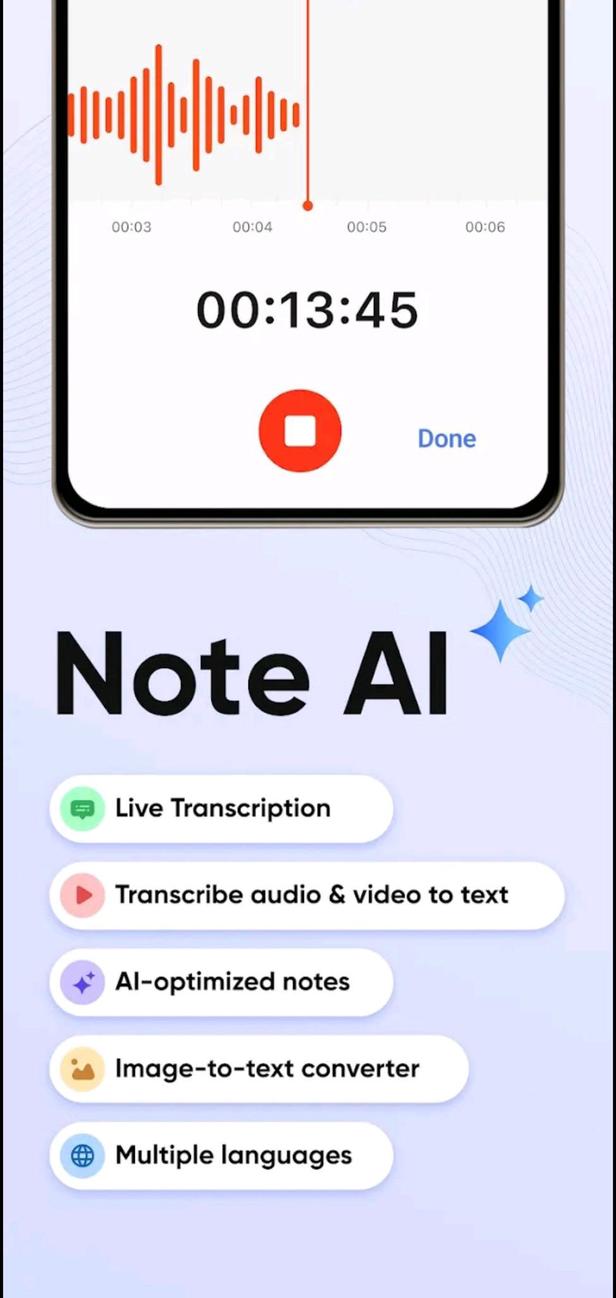
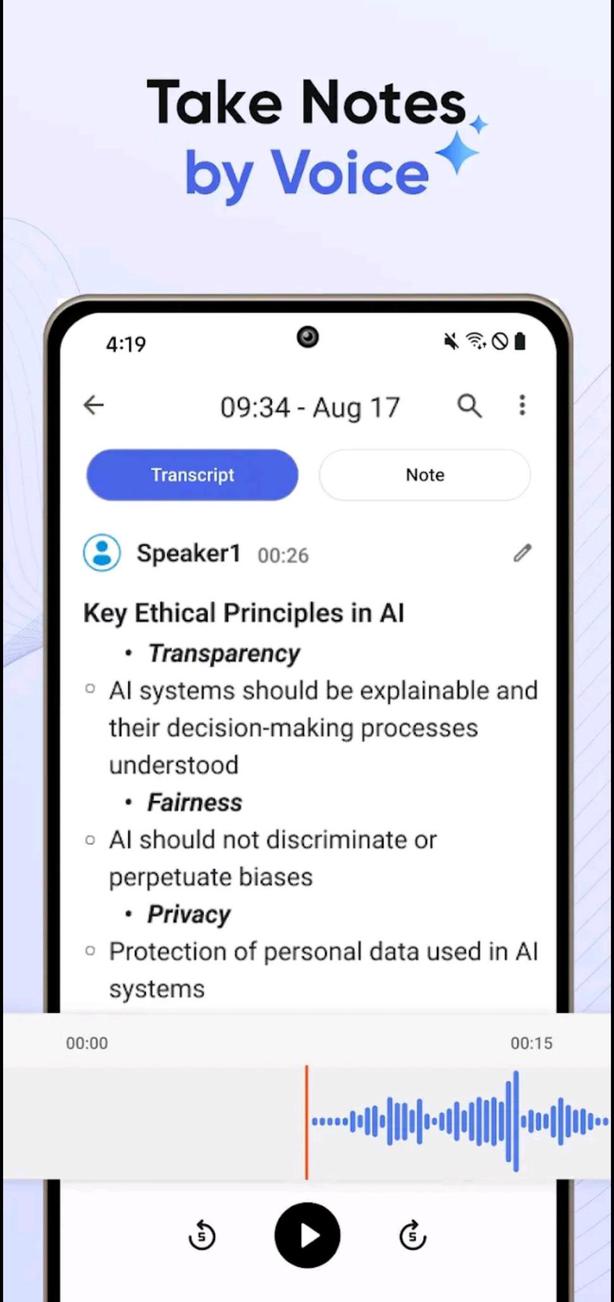
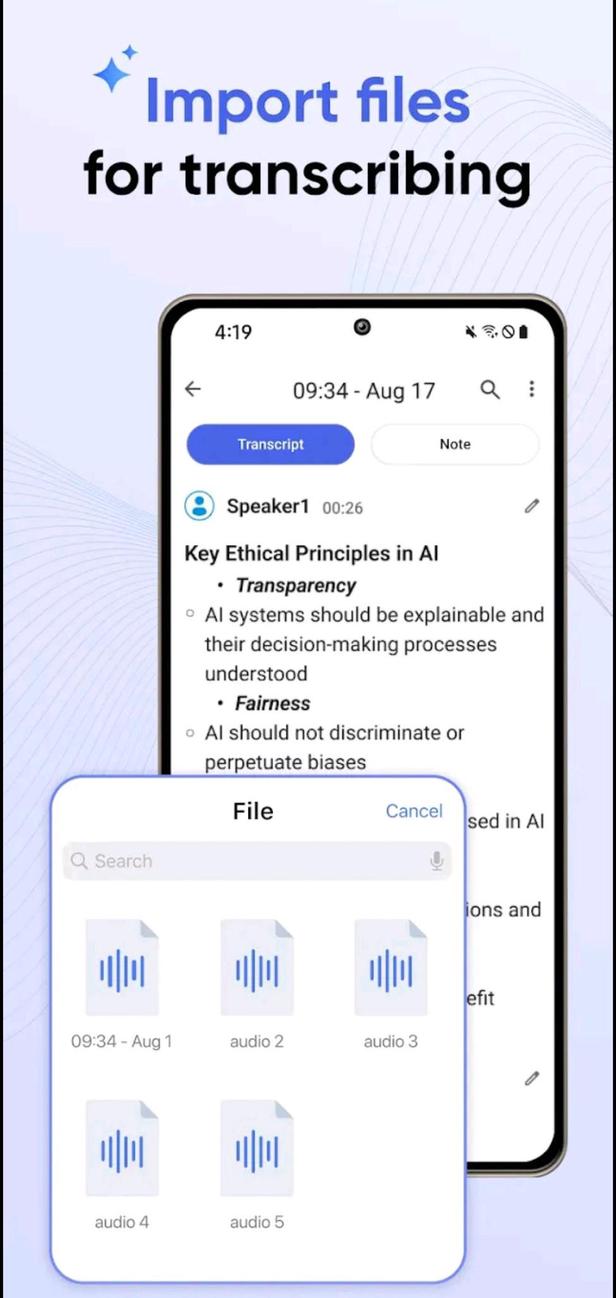
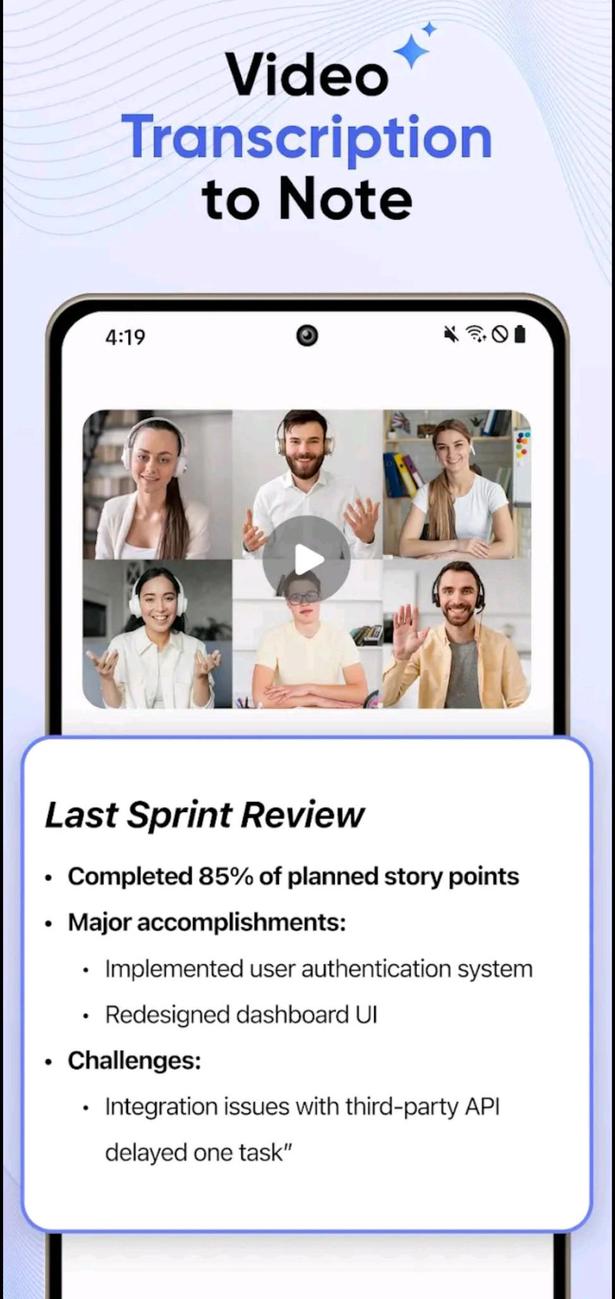
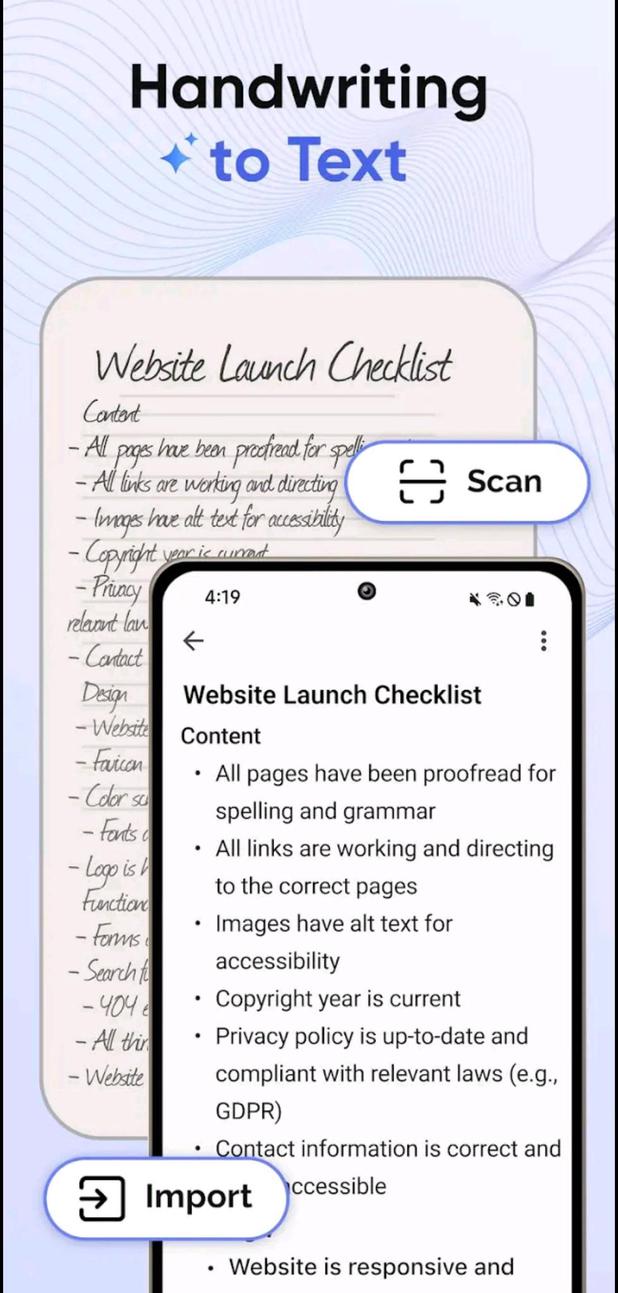
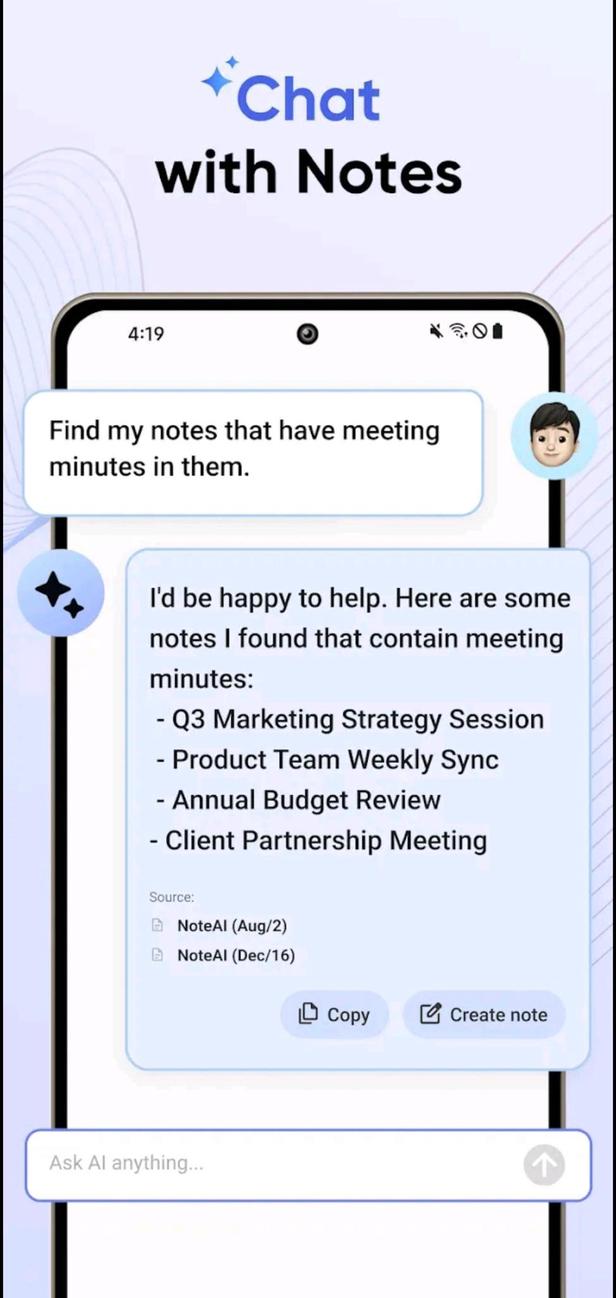
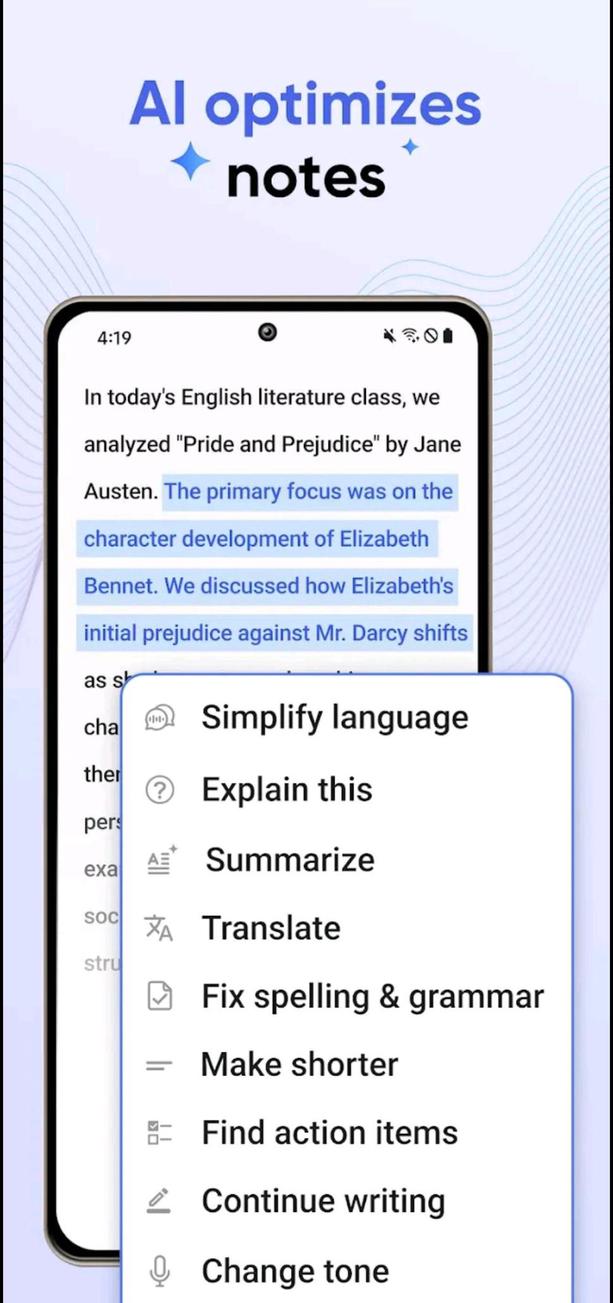
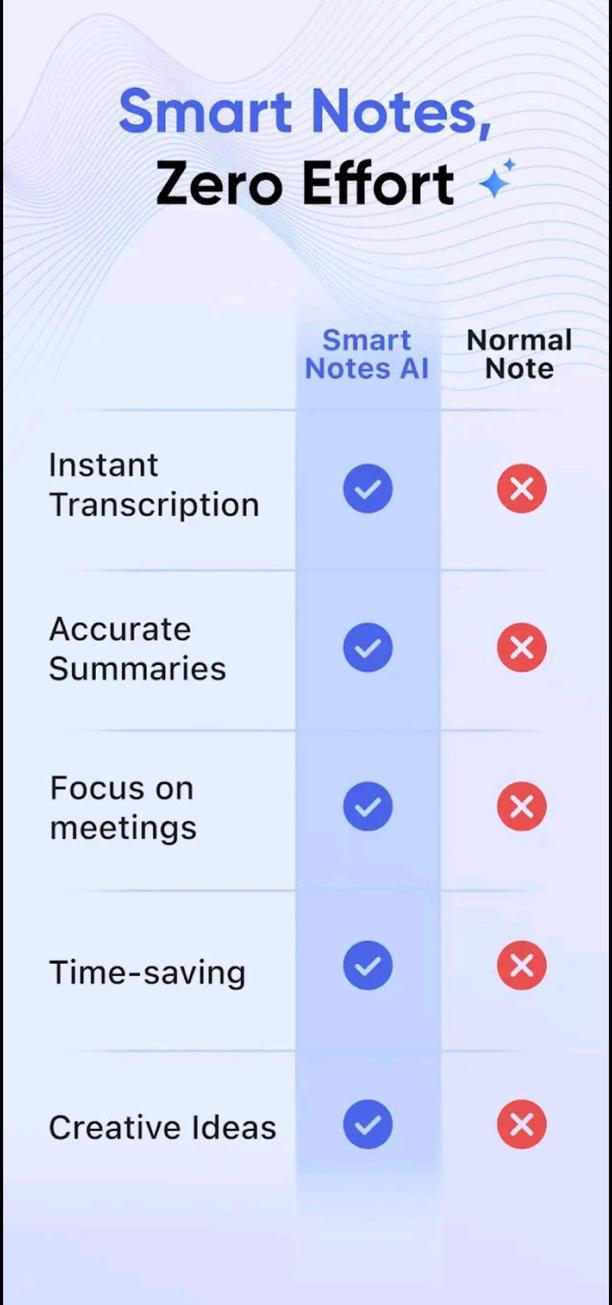
Note AI: Transcribe Voice Note PRO (iMemo) Are you searching for smart software that will enable you to better handle your information management, take notes, and boost your output of work? We are happy to offer TNote, a modern tool for note-taking enhanced by innovative technology leveraging artificial intelligence! The TNote-AI Notes Assistant guarantees that no detail of the paper is missed. By means of technologies including background audio recording, artificial intelligence transcription, and intelligent summaries, the AI Notes Assistant effectively records all the important information acquired during meetings, phone calls, and lectures. Boost your productivity and simplify your processes. One can easily log, organise, and distribute chats. Users of TNote - AI Notes Assistant can quickly extract text and create notes from documents, charts, or any image using photos, therefore leveraging the main purposes of the tool. From any audio file—including lectures, conferences, or any other audio—you can transcribe and summarise the most crucial components. Live recordings let one record conversations, presentations, lectures, or personal observations as they are happening. With help from AI Note, users can leverage quick transcription and summaries of these recordings. The given YouTube URLs should have subtitles retrieved, and the videos' contents ought to be compiled. To enable AI-driven analysis and summarisation, the document files functionality lets users upload a broad spectrum of file formats including PDFs, Word documents, and other formats. Content summarising is the automatic extraction of essential information from input files, which facilitates the quick and simple understanding of the content. Automatic content summarising This process, sometimes called as key point highlighting, highlights the most significant traits acquired from the input data. This process records from the input file extra pertinent information. The approach under description here is important information capture. Coming to conclusions calls for synthesising the data that has been assessed to provide coherent and insightful findings. Designing customised quizzes from scratch helps to support self-assessment and enhance the learning process by means of multiple-choice questions. Basic and easygoing Create your own flashcard set. Create flashcards with questions and answers to help you to recall all the material. This function helps you to efficiently remove language obstacles and increase the educational possibilities by translating important content into several languages. Thanks to the various sharing and export choices offered, notes, whole transcripts, or export data can be sent in a number of ways. This makes data storage and usage simpler. Participate with a powerful artificial intelligence chatbot that supports interactive conversation. Send your queries and get fast answers tailored especially to fit your needs. Ai empowered for better use Among the several reasons you should use TNote is the fact that your artificial intelligence notes assistant increases efficiency and productivity in both personal and learning environments. The capacity to quickly absorb and recall knowledge from many different sources. Intelligent learning technologies allow one to increase the retention of once learnt knowledge. Supports a great variety of languages, thereby enabling endless possibilities for study. Uses an artificial intelligence assistant to help answer your enquiries. Right to privacy Notifications accompanying tasks help to establish them. By means of TNote, users can design tasks accompanied by predefined deadlines and establish alerts acting as reminders at predefined intervals. This function helps users to keep organisation and effectively manage their responsibilities, therefore ensuring that important tasks are not forgotten or overlooked. Organising Activities in Priority By using varying degrees of priority given to their tasks, people are able to categorise their obligations into numerous categories, especially identifying objects as high, medium, or low priority. This feature will enable you to rank the most crucial chores, therefore helping you to prioritise them and hence enhance time management and productivity. A quick inquiry for users The quick search capacity of the application, which is embedded into the program, lets users access both completed and ongoing employment in a timely manner. For those who are managing a lot of tasks, this function proves to be quite helpful since it helps consumers to quickly locate specific products without having to search through vast lists. List of Items to Purchase's Function TNote lets consumers arrange and document the items they want to buy, therefore acting as a handy shopping list. The program's obvious design makes it simpler to add items and track them, which eventually enhances shopping experiences. Those who might not be very technologically savvy will be able to utilize TNote since its user interface is not only neat but also simple to grasp. Since the program removes needless complexity that can irritate users, it emphasises basic operations. Thanks to the basic design, which makes it simpler to browse through tasks and notes fast, users are able to communicate without being disturbed by distractions. Notify the person that started the account. Apart from the grocery list, the main thing most users of the application use is the tasks one is obliged to finish during the daily grind. The notification and reminder tool serves to let consumers know they have tasks to finish before the end of the day. This development will eliminate the need for users to routinely check and access the application, therefore simplifying their experience generally. Activating this feature will let you be informed of all the notes you have chosen in line with a schedule you already have. Coherent and logical in character One can arrange their notes in a method that not only makes sense but also is reasonable to help one to better control the time spent on management. With the most recent notes shown first, this software now allows one to sort by a range of criteria, including time; the note sequence proceeds until the earliest note is reached. Furthermore, one can categorise them depending on their own tastes based on colour; black is thought to be of less relevance while red is considered to be highly essential. Final words Get the advantages of improved note-taking skills by right now buying TNote - AI Notes Assistant and saving money and time. For those seeking a simple, basic, minimalistic in design task management solution, TNote is an interesting substitute. Combining its basic qualities with their simplicity, this program becomes rather helpful for the organisation of notes and chores respectively. Prospective users should, however, assess the program's age and decide whether or not its features fit their present criteria.

You may also be interested

Pure Tuber icon
  • 1 downloads
  • 33.4 MiB
ReVanced Xposed Spotify icon
  • 19 downloads
  • 1.2 MiB
ReVanced Xposed icon
  • 30 downloads
  • 6.0 MiB
Mako icon
  • 26 downloads
  • 1.2 MiB
Euria icon
  • 35 downloads
  • 21.2 MiB
Truecaller icon
  • 59 downloads
  • 122.8 MiB
KingTube icon
  • 96 downloads
  • 17.5 MiB
Eight icon
  • 22 downloads
  • 27.9 MiB
StickersOK icon
  • 22 downloads
  • 28.9 MiB
Repost - Video Downloader icon
  • 10 downloads
  • 22.7 MiB
PDF Reader icon
  • 14 downloads
  • 66.0 MiB
YouCam Makeup icon
  • 12 downloads
  • 166.8 MiB
MyMovie icon
  • 22 downloads
  • 131.1 MiB
Parrot Downloader icon
  • 15 downloads
  • 113.4 MiB
Wallpics icon
  • 39 downloads
  • 50.7 MiB
Librera icon
  • 57 downloads
  • 94.0 MiB
Spoke (Circuit) icon
  • 13 downloads
  • 134.0 MiB
Fotor icon
  • 36 downloads
  • 234.7 MiB
Tablet Split QS icon
  • 26 downloads
  • 9.3 KiB
FadCam icon
  • 51 downloads
  • 44.0 MiB
Folder Player Pro icon
  • 32 downloads
  • 4.6 MiB
AnExplorer icon
  • 42 downloads
  • 21.2 MiB
AnExplorer icon
  • 9 downloads
  • 20.8 MiB
MedList Pro icon
  • 16 downloads
  • 15.7 MiB
Photoroom icon
  • 46 downloads
  • 115.5 MiB
Photoroom icon
  • 9 downloads
  • 114.0 MiB
Grok icon
  • 178 downloads
  • 23.3 MiB
Callfilter.app icon
  • 51 downloads
  • 4.2 MiB
eEagle VPN icon
  • 119 downloads
  • 32.0 MiB
Mi Mover icon
  • 48 downloads
  • 32.6 MiB
Digital Compass icon
  • 18 downloads
  • 20.8 MiB
Rain Alarm icon
  • 63 downloads
  • 15.2 MiB
AndroidPE icon
  • 48 downloads
  • 18.3 MiB
Money Lover icon
  • 7 downloads
  • 71.4 MiB
Money Manager icon
  • 9 downloads
  • 27.2 MiB
Dub Radio icon
  • 48 downloads
  • 9.1 MiB
Netmonitor icon
  • 60 downloads
  • 23.1 MiB
Fennec File Manager icon
  • 79 downloads
  • 20.5 MiB
nPerf icon
  • 56 downloads
  • 19.3 MiB
Nagram X icon
  • 79 downloads
  • 47.8 MiB
HiPaint icon
  • 11 downloads
  • 109.4 MiB
HiPaint icon
  • 1 downloads
  • 108.2 MiB
Auto Clicker icon
  • 26 downloads
  • 7.0 MiB
Gallery Editor icon
  • 65 downloads
  • 187.9 MiB
Utiful icon
  • 48 downloads
  • 24.5 MiB
PictureThis icon
  • 75 downloads
  • 66.6 MiB
vFlat Scan icon
  • 46 downloads
  • 80.8 MiB
Puma Photo Resize & Compress icon
  • 16 downloads
  • 29.7 MiB
Xnxx icon
  • 535 downloads
  • 22.4 MiB
Before Launcher icon
  • 25 downloads
  • 10.2 MiB
Jarvis Astra Launcher icon
  • 38 downloads
  • 19.3 MiB
InSave icon
  • 34 downloads
  • 18.2 MiB
XPlayer - Video Player icon
  • 126 downloads
  • 36.0 MiB
Smart Launcher icon
  • 94 downloads
  • 21.1 MiB
Listy icon
  • 19 downloads
  • 10.2 MiB
GeckoVPN icon
  • 134 downloads
  • 13.1 MiB
Snaptube icon
  • 150 downloads
  • 49.7 MiB
Pronto VPN icon
  • 72 downloads
  • 26.8 MiB
Copilot icon
  • 76 downloads
  • 103.5 MiB
Brownian Particles Wallpaper icon
  • 37 downloads
  • 125.0 KiB
Blidraughts icon
  • 12 downloads
  • 35.1 MiB
BoutScoring icon
  • 2 downloads
  • 8.7 MiB
Mako icon
  • 31 downloads
  • 1.2 MiB
MsgGo icon
  • 15 downloads
  • 12.5 MiB
Latin Defense icon
  • 54 downloads
  • 41.1 MiB
nospeak icon
  • 27 downloads
  • 9.6 MiB
Noteshop icon
  • 10 downloads
  • 6.8 MiB
Onloc icon
  • 18 downloads
  • 47.1 MiB
Solid Explorer icon
  • 54 downloads
  • 24.9 MiB
Migrate - Data Backup icon
  • 35 downloads
  • 47.9 MiB
История любви icon
  • 29 downloads
  • 217.0 MiB
Sakura Succubus 2 icon
  • 222 downloads
  • 61.5 MiB
Onvier icon
  • 22 downloads
  • 9.9 MiB
Minecraft: Story of Alex icon
  • 119 downloads
  • 109.5 MiB
GACHIMUCHI REBIRTH icon
  • 12 downloads
  • 431.1 MiB
The Casino Incident icon
  • 7 downloads
  • 49.3 MiB
ЭОН icon
  • 36 downloads
  • 73.1 MiB
Travnica icon
  • 12 downloads
  • 162.2 MiB
Hidden Settings icon
  • 201 downloads
  • 10.4 MiB
Virtual Hosts icon
  • 73 downloads
  • 1.3 MiB
Battery Charged Alarm icon
  • 49 downloads
  • 5.5 MiB
OTT Navigator icon
  • 81 downloads
  • 20.1 MiB
1DM+ icon
  • 96 downloads
  • 53.3 MiB
Hotspot Shield VPN icon
  • 146 downloads
  • 191.5 MiB
AI Hub icon
  • 111 downloads
  • 15.1 MiB
Anilab icon
  • 42 downloads
  • 19.1 MiB
all-one-tolls app icon
  • 27 downloads
  • 44.3 KiB
Acode icon
  • 20 downloads
  • 16.8 MiB
تەمەنت بزانە icon
  • 9 downloads
  • 2.3 MiB
Google Play Store icon
  • 483 downloads
  • 91.4 MiB
Google Play Store icon
  • 67 downloads
  • 91.9 MiB
Google Play Store icon
  • 79 downloads
  • 92.7 MiB
USPEH TV icon
  • 102 downloads
  • 32.6 MiB
osu!droid icon
  • 3 downloads
  • 24.0 MiB
Hentoid icon
  • 67 downloads
  • 63.9 MiB
Diary Dict icon
  • 3 downloads
  • 17.0 MiB